Tutorialbeginner
Tasmota PIR Motion Sensor with Home Assistant
Build a WiFi motion sensor using AM312 or HC-SR501 PIR sensor with ESP8266/ESP32 and Tasmota. Publishes motion events via MQTT for Home Assistant automations like lights and alarms.
Boards:ESP8266ESP32ESP32-C3
Firmware:Tasmota
Use Cases:Motion DetectionHome AutomationsecurityPresence DetectionLighting Automation
Tasmota PIR Motion Sensor with Home Assistant
Build a WiFi-connected motion sensor that detects movement and publishes events via MQTT. Combined with Home Assistant, this enables motion-activated lights, alarms, presence detection, and energy-saving automations.
Why This Project
- Under $4 total cost with ESP-01S + AM312
- Instant motion detection via passive infrared
- Battery-friendly options with deep sleep
- Direct MQTT integration with Home Assistant
- Combine with other sensors — add temperature, humidity, or light level
PIR Sensor Options
| Sensor | Voltage | Size | Sensitivity | Best For |
|---|---|---|---|---|
| AM312 | 2.7-12V | Tiny (10mm) | Fixed, 3m range | ESP8266 direct (3.3V safe) |
| HC-SR501 | 5-20V | Large (32mm) | Adjustable, 7m range | Standalone with 5V supply |
| MH-SR602 | 2.4-3.6V | Small (15mm) | Adjustable via resistor | Low-power, compact builds |
Recommendation: AM312 for most builds — it runs on 3.3V and connects directly to ESP8266 without level shifting.
Components Required
| Component | Purpose | Est. Cost |
|---|---|---|
| Wemos D1 Mini (or ESP-01S) | WiFi microcontroller | $2-4 |
| AM312 PIR sensor | Motion detection | $0.80 |
| Jumper wires | Connections | $0.20 |
Wiring (AM312 + D1 Mini)
AM312            Wemos D1 Mini
─────            ─────────────
VCC          →   3.3V
GND          →   GND
OUT          →   GPIO5 (D1)
Tasmota Setup
- Flash Tasmota to the ESP board
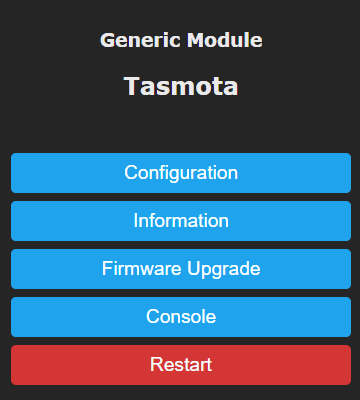
- Configuration → Configure Module
- Set GPIO5 to Switch1
- Apply these console commands:
# Set switch mode to follow (ON when motion, OFF when clear)
SwitchMode1 1

# Disable default switch-relay binding
SwitchTopic 0

# Create rule to publish motion via MQTT
Rule1 on Switch1#state=1 do publish stat/%topic%/PIR1 ON endon on Switch1#state=0 do publish stat/%topic%/PIR1 OFF endon

# Enable the rule
Rule1 1
DIY Multi-Sensor (PIR + DHT11)
Combine motion detection with temperature/humidity in one device:
- AM312 → GPIO5 (D1) — motion
- DHT11 → GPIO4 (D2) — temperature + humidity
- Both share 3.3V and GND
- 3D-printed enclosure available
Full guide: patrick-blom.de — DIY Multi-Sensor with Tasmota
Home Assistant Configuration
mqtt:
  binary_sensor:
    - name: "Living Room Motion"
      state_topic: "stat/tasmota_pir/PIR1"
      device_class: motion
      payload_on: "ON"
      payload_off: "OFF"
Automation Example
automation:
  - alias: "Motion-activated light"
    trigger:
      - platform: state
        entity_id: binary_sensor.living_room_motion
        to: "on"
    action:
      - service: light.turn_on
        target:
          entity_id: light.living_room
Compatible Boards
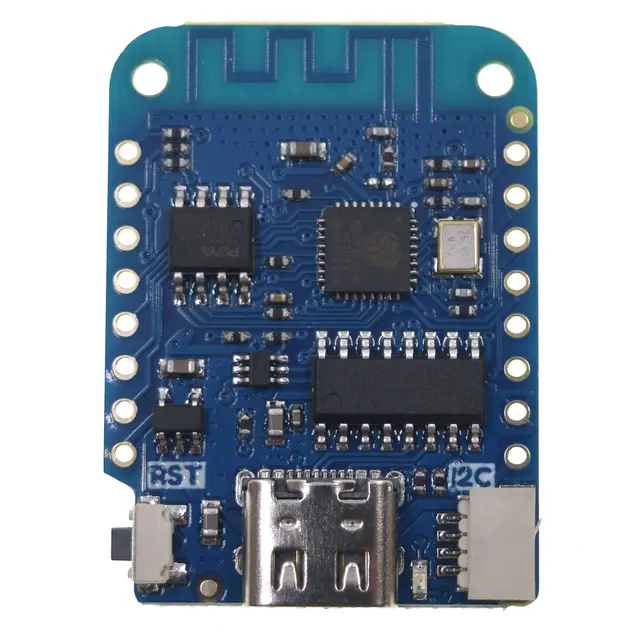
- Wemos D1 Mini — best balance of size and GPIO availability
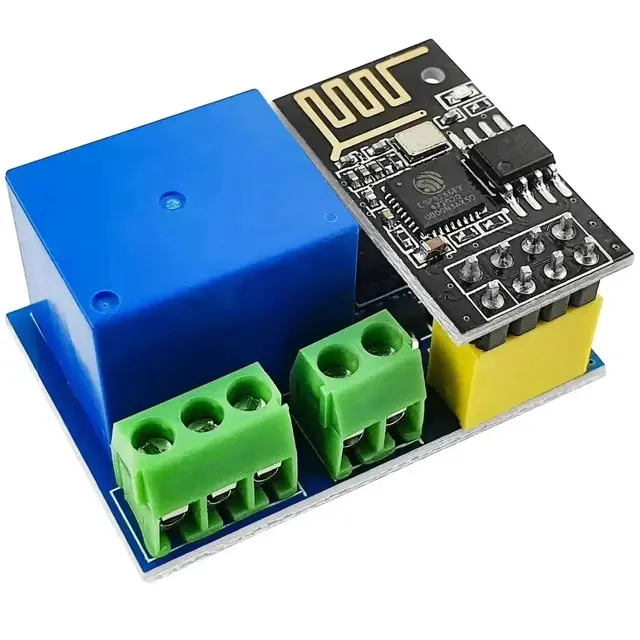
- ESP-01S — smallest, cheapest option
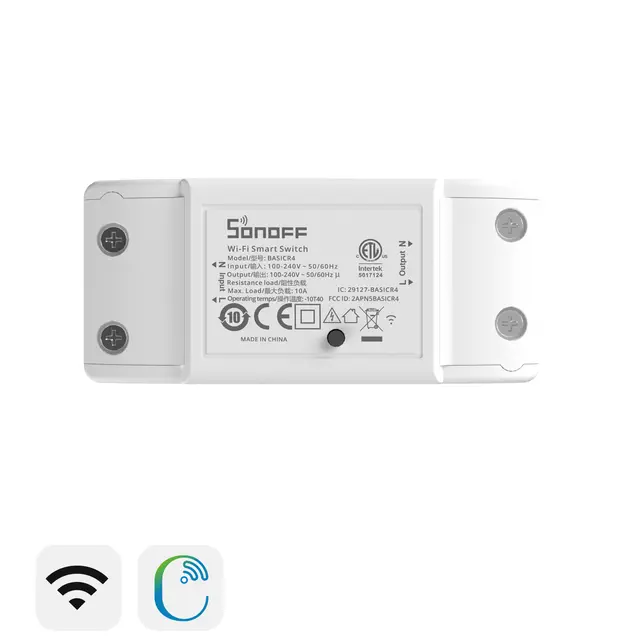
- Sonoff BasicR2 — motion + relay in one (solder sensor to header)
- NodeMCU — most GPIOs for multi-sensor builds
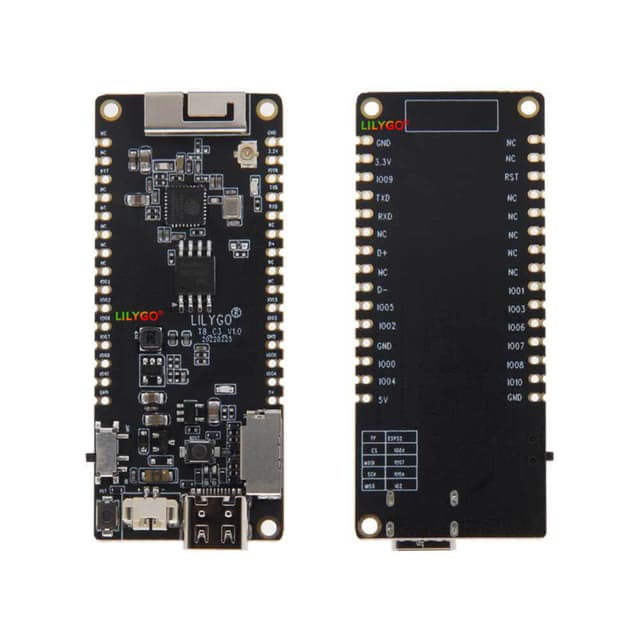
- Any ESP32 board — for BLE + WiFi + motion combos