Tasmota DS18B20 Temperature Sensor Node
Build a WiFi temperature monitoring node using a DS18B20 1-Wire sensor and any ESP8266/ESP32 board running Tasmota. Supports up to 8 sensors per GPIO with MQTT publishing to Home Assistant.
Tasmota DS18B20 Temperature Sensor Node
One of the simplest and most reliable Tasmota projects — connect a DS18B20 digital temperature sensor to an ESP8266 or ESP32 board and get WiFi-connected temperature readings published via MQTT.
Why This Project
- Ultra-low cost — under $5 total (ESP-01S + DS18B20 + resistor)
- Extremely reliable — DS18B20 is a proven industrial sensor
- Multi-sensor support — up to 8 sensors on a single GPIO pin
- Waterproof versions available — ideal for outdoor, aquarium, and pipe monitoring
- No calibration needed — factory-calibrated ±0.5°C accuracy
Components Required
| Component | Purpose | Est. Cost |
|---|---|---|
| ESP8266 board (Wemos D1 Mini, ESP-01S, or NodeMCU) | WiFi microcontroller | $2-4 |
| DS18B20 sensor (TO-92 or waterproof probe) | Temperature measurement | $1-3 |
| 4.7kΩ resistor | Pull-up for 1-Wire data line | $0.01 |
| Jumper wires | Connections | $0.50 |
Wiring Diagram
DS18B20          ESP8266 (D1 Mini)
─────────        ─────────────────
Pin 1 (GND)  →   GND
Pin 2 (Data) →   GPIO4 (D2)  ←── 4.7kΩ resistor to 3.3V
Pin 3 (VCC)  →   3.3V
Important: The 4.7kΩ pull-up resistor between Data and 3.3V is required for reliable readings. On ESP8266, you can optionally use SetOption74 1 to enable the internal pull-up instead.
Tasmota Setup
- Flash Tasmota (
tasmota-sensors.binfor ESP8266 ortasmota32for ESP32) - Connect to WiFi via Tasmota AP
- Go to Configuration → Configure Module
- Set the GPIO connected to DS18B20 to DS18x20
- Reboot — readings appear automatically on the dashboard
Multi-Sensor Configuration
Connect multiple DS18B20 sensors to the same GPIO pin (they share the 1-Wire bus):
# Name individual sensors by their ROM address
DS18Alias 28FF1234,Kitchen
DS18Alias 28FF5678,Bathroom

# Set decimal precision
TempRes 2

# Set telemetry period (seconds)
TelePeriod 60
Home Assistant Integration
Tasmota auto-discovers DS18B20 sensors in Home Assistant via MQTT. Each sensor appears as a separate temperature entity. For manual configuration:
mqtt:
  sensor:
    - name: "Kitchen Temperature"
      state_topic: "tele/tasmota_sensor/SENSOR"
      value_template: "{{ value_json.DS18B20.Temperature }}"
      unit_of_measurement: "°C"
Compatible Boards
Any ESP8266 or ESP32 board running Tasmota works. Most popular choices:
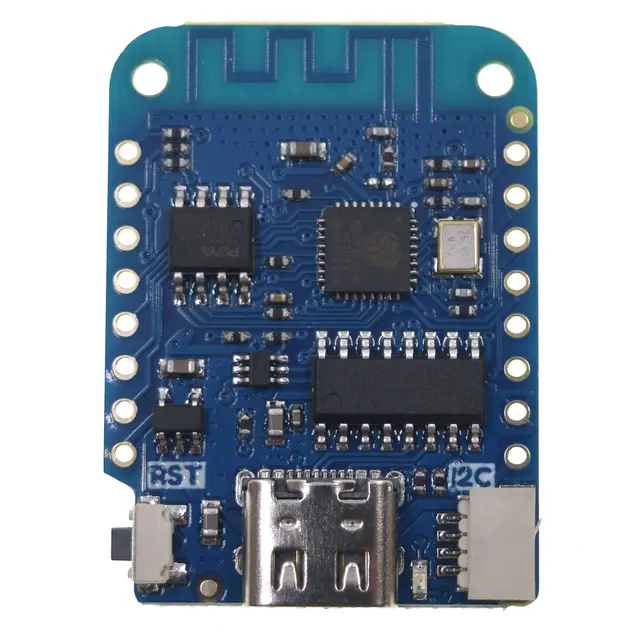
- Wemos D1 Mini — best for prototyping, many free GPIOs
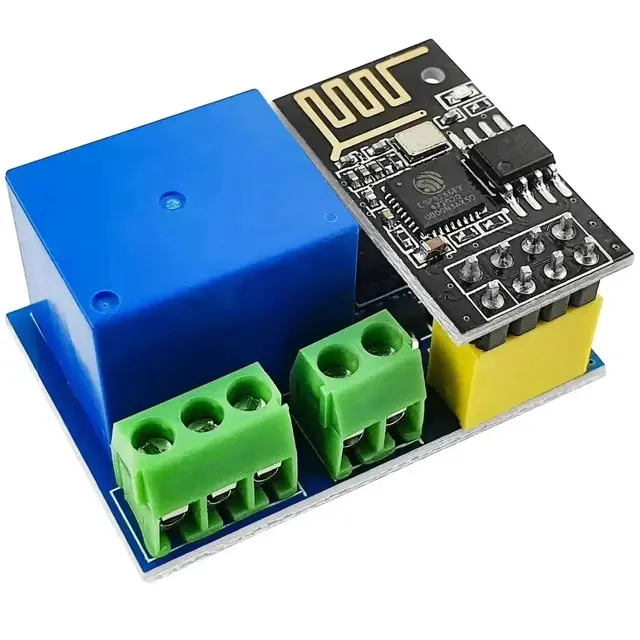
- ESP-01S — cheapest option, fits in tiny enclosures
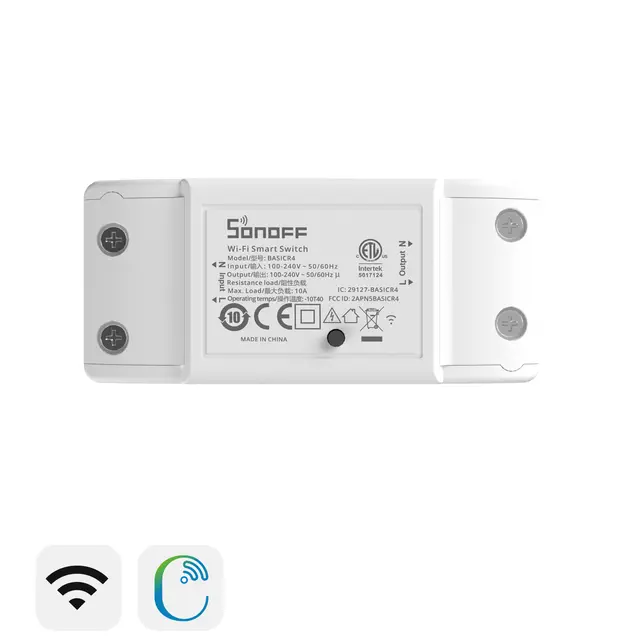
- Sonoff BasicR2 — add sensor to the internal header
- Sonoff TH Elite — has a dedicated sensor jack (use with DS18B20 adapter)
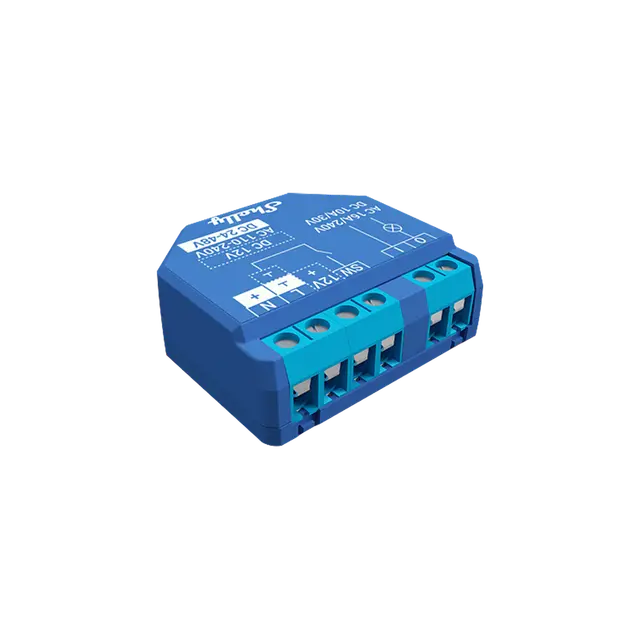
- Shelly Plus 1 — connect sensor to the add-on connector
Advanced: Shelly Plus Add-On
The Shelly Plus 1 and Plus 2PM support the Shelly Plus Add-On board that has a dedicated DS18B20 connector. With Tasmota, this provides a clean integrated solution for relay + temperature in one device.