Tutorialintermediate
Tasmota Zigbee Gateway Bridge
Build a WiFi-to-Zigbee bridge using Sonoff Zigbee Bridge Pro or DIY ESP32 + CC2652P setup with Tasmota. Connects 128+ Zigbee sensors and actuators to MQTT for Home Assistant integration.
Boards:ESP32
Firmware:Tasmota
Use Cases:Zigbee GatewaySmart Home HubSensor BridgeHome AutomationZigbee Mqtt Bridge
Tasmota Zigbee Gateway Bridge
Convert a Sonoff Zigbee Bridge Pro (or build your own with ESP32 + CC2652P) into a fully local Zigbee-to-MQTT gateway using Tasmota. Bridge hundreds of Zigbee sensors and actuators to your Home Assistant setup without cloud dependency.
Why This Project
- Local-only Zigbee — no cloud required, all data stays on your network
- 128+ devices — CC2652P coordinator supports large networks
- Auto-discovery — paired devices automatically appear in Home Assistant
- Wide compatibility — IKEA, Aqara, Sonoff, Tuya, Philips Hue sensors and lights
- Reliable mesh — Zigbee devices create a self-healing mesh network
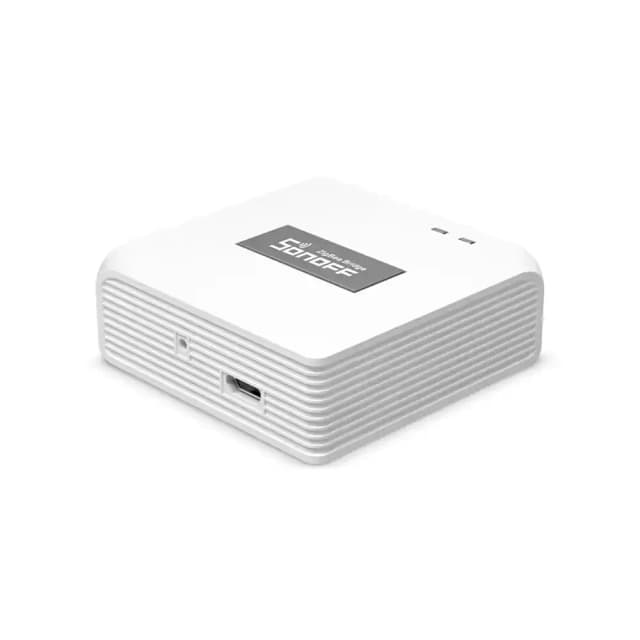
Option 1: Sonoff Zigbee Bridge Pro (Easiest)
Hardware
| Component | Purpose | Est. Cost |
|---|---|---|
| Sonoff Zigbee Bridge Pro | ESP32 + CC2652P gateway | $20 |
| 3.3V FTDI adapter | For serial flashing | $3 (reusable) |
Flashing
- Open the case (clips around edges)
- Connect FTDI: GND→GND, TX→RX, RX→TX, 3.3V→3.3V
- Hold GPIO0 button while connecting power
- Flash
tasmota32-zbbrdgpro.binvia esptool.py - Connect to
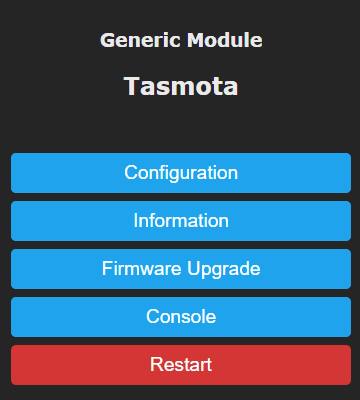
tasmota-xxxxAP and configure WiFi
Tasmota Configuration
# Zigbee bridge is auto-configured for the Bridge Pro
# Set your MQTT broker
MqttHost 192.168.1.100
MqttUser tasmota
MqttPassword yourpassword

# Enable Home Assistant auto-discovery
SetOption19 0
SetOption119 1
Option 2: DIY ESP32 + CC2652P Module
Hardware
| Component | Purpose | Est. Cost |
|---|---|---|
| ESP32 dev board (any) | WiFi controller | $5 |
| Ebyte E72-2G4M20S1E (CC2652P) | Zigbee coordinator module | $8 |
| Level shifter (3.3V) | If needed for serial | $1 |
Wiring
CC2652P          ESP32
───────          ─────
TX           →   GPIO13
RX           →   GPIO15
RST          →   GPIO14 (optional, for coordinator reset)
GND          →   GND
VCC          →   3.3V
Pairing Zigbee Devices
# Open pairing mode (120 seconds)
ZbPermitJoin 1

# Put your Zigbee device in pairing mode:
# - Aqara sensors: hold button 5 seconds
# - IKEA bulbs: power cycle 6 times
# - Sonoff SNZB: hold button until LED flashes

# Tasmota console shows:
# ZbReceived {"0x1234":{"Device":"0x1234","Name":"Aqara Temp"}}
Supported Zigbee Devices
Sensors
- Aqara/Xiaomi: temperature, humidity, motion, door/window, water leak, vibration
- Sonoff SNZB: button, motion, door, temperature
- IKEA: motion sensor, remote
- Tuya: various Zigbee sensors
Actuators
- IKEA TRÅDFRI bulbs, plugs, blinds
- Sonoff ZBMINI switches
- Tuya Zigbee plugs and switches
- Philips Hue bulbs (basic control)
Home Assistant Integration
Zigbee devices paired via Tasmota auto-discover in Home Assistant:
# All devices appear under the Tasmota MQTT integration
# Each sensor creates its own entity:
# - sensor.zigbee_aqara_temp_temperature
# - binary_sensor.zigbee_door_contact
# - light.zigbee_ikea_bulb
Compatible Boards
- Sonoff Zigbee Bridge Pro — ready-made, easiest to flash
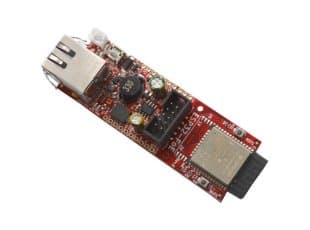
- Olimex ESP32-POE — wired Ethernet for most reliable gateway
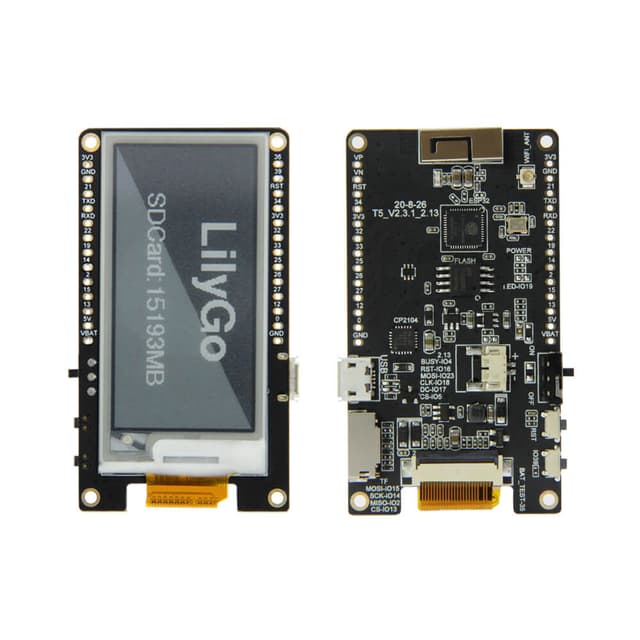
- Any ESP32 dev board — pair with CC2652P or CC2530 module