Tutorialintermediate
Tasmota IR Remote Control Hub
Build a WiFi IR blaster and receiver with Tasmota to control TVs, ACs, and other IR devices via MQTT and Home Assistant. Supports learning mode, all major protocols, and rules-based automation.
Boards:ESP8266ESP32
Firmware:Tasmota
Use Cases:Ir Remote ControlHvac ControlTv ControlHome AutomationUniversal Remote
Tasmota IR Remote Control Hub
Replace all your IR remotes with a single WiFi-connected IR blaster running Tasmota. Send and receive IR commands via MQTT, control air conditioners, TVs, and any IR device from Home Assistant or Alexa.
Why This Project
- Replace all IR remotes with one WiFi device
- Control AC units — full HVAC control (mode, temp, fan speed, swing)
- Learn IR codes — capture any remote's signals
- Rules automation — turn off TV at bedtime, AC schedules
- Under $5 with ESP8266 + IR LED + receiver
Components Required
| Component | Purpose | Est. Cost |
|---|---|---|
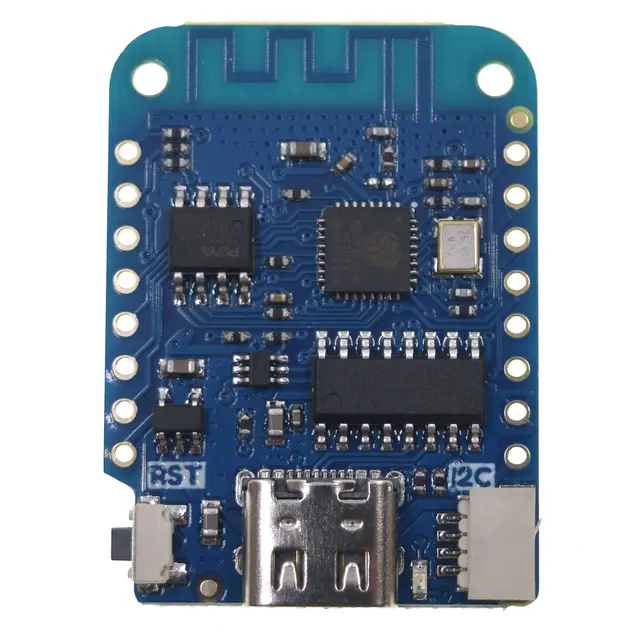
| Wemos D1 Mini (or ESP32) | WiFi controller | $3 |
| IR LED (TSAL6400 recommended) | Transmit IR signals | $0.20 |
| 2N2222 NPN transistor | Drive IR LED with enough current | $0.10 |
| 100Ω resistor | Current limiting for transistor base | $0.01 |
| KY-022 IR receiver module | Receive/learn IR codes | $0.50 |
Wiring
IR Transmitter:
ESP GPIO4 (D2) ──[100Ω]──→ 2N2222 Base
                            2N2222 Emitter → GND
                            2N2222 Collector → IR LED Cathode
                            IR LED Anode → 3.3V

IR Receiver (KY-022):
Signal    →   GPIO14 (D5)
VCC       →   3.3V
GND       →   GND
Tasmota Setup
- Flash
tasmota-ir.bin(includes full IR protocol library) - Configuration → Configure Module
- Set GPIO4 to IRsend
- Set GPIO14 to IRrecv
- Reboot
Learning IR Codes
Point your existing remote at the KY-022 receiver and press buttons. Tasmota captures the raw IR data in the console:
# Console shows received IR codes like:
{"IrReceived":{"Protocol":"NEC","Bits":32,"Data":"0x20DF10EF"}}

# Replay that code:
IRsend {"Protocol":"NEC","Bits":32,"Data":"0x20DF10EF"}
Air Conditioner Control
Tasmota supports full HVAC control for major AC brands:
# Turn AC on, cool mode, 22°C, fan auto
IRhvac {"Vendor":"SAMSUNG","Power":"On","Mode":"Cool","Temp":22,"FanSpeed":"Auto"}

# Supported vendors: Samsung, LG, Daikin, Mitsubishi, Fujitsu,
# Toshiba, Panasonic, Hitachi, Whirlpool, and 30+ more
Home Assistant Integration
mqtt:
  climate:
    - name: "Living Room AC"
      modes: ["off", "cool", "heat", "auto", "dry", "fan_only"]
      fan_modes: ["auto", "low", "medium", "high"]
      min_temp: 16
      max_temp: 30
      command_topic: "cmnd/tasmota_ir/IRhvac"
      # Full climate entity with temperature and mode control
Automation Examples
# Turn off TV at midnight
automation:
  - alias: "TV off at midnight"
    trigger:
      - platform: time
        at: "00:00:00"
    action:
      - service: mqtt.publish
        data:
          topic: "cmnd/tasmota_ir/IRsend"
          payload: '{"Protocol":"NEC","Bits":32,"Data":"0x20DF10EF"}'
Compatible Boards
- Wemos D1 Mini — most popular, compact
- ESP-01S — smallest build possible (limited GPIOs)
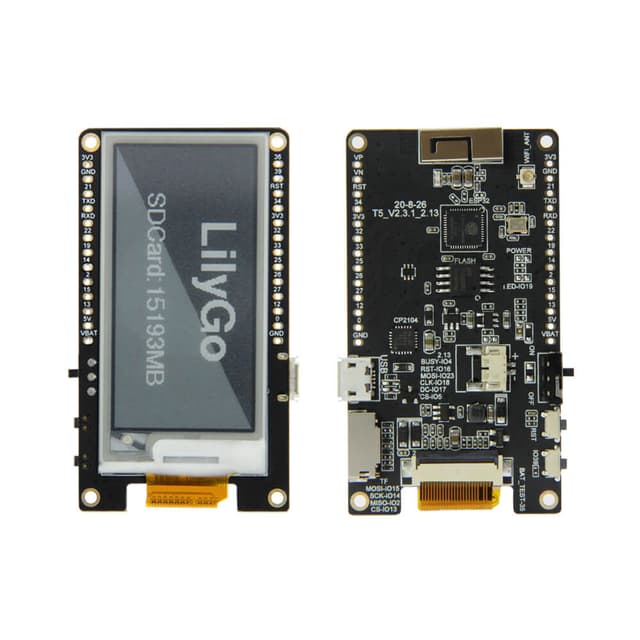
- Any ESP32 board — more memory for simultaneous send + receive
- Tuya IR blasters — commercial devices flashable with Tasmota (e.g., Tuya S08)