Tasmota 4-Relay Home Automation with Alexa Voice Control
Build a 4-channel smart relay controller with physical buttons and Alexa voice control using NodeMCU/ESP32 and Tasmota. Includes PCB Gerber files for a custom board and step-by-step wiring guide.
Tasmota 4-Relay Home Automation with Alexa Voice Control
Build a 4-channel WiFi relay controller that lets you control four household appliances via Alexa voice commands, physical push buttons, and MQTT. This project includes PCB Gerber files for a compact custom build.
Why This Project
- Voice control — "Alexa, turn on living room light"
- Physical buttons — still works without WiFi or voice
- 4 independent channels — control 4 different loads
- State persistence — remembers relay states after power loss
- PCB available — Gerber files for a professional build
- Under $10 total cost
Components Required
| Component | Purpose | Est. Cost |
|---|---|---|
| NodeMCU ESP8266 (or ESP32) | WiFi controller | $3-5 |
| 4-channel 5V SPDT relay module | Switches mains loads | $3 |
| 4× momentary push buttons | Physical control | $0.50 |
| 5V 5A power supply | Powers relays and ESP | $3 |
| Project enclosure | Safety | $2 |
Wiring (ESP8266 NodeMCU)
NodeMCU          4-Ch Relay Module
───────          ─────────────────
D1 (GPIO5)   →   IN1 (Relay 1)
D2 (GPIO4)   →   IN2 (Relay 2)
D5 (GPIO14)  →   IN3 (Relay 3)
D6 (GPIO12)  →   IN4 (Relay 4)
5V           →   VCC
GND          →   GND

Buttons:
SD3 (GPIO10) →   Button 1 → GND
D3 (GPIO0)   →   Button 2 → GND
D7 (GPIO13)  →   Button 3 → GND
RX (GPIO3)   →   Button 4 → GND
Tasmota Setup
- Flash
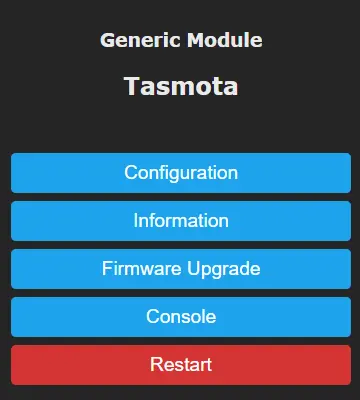
tasmota.binto NodeMCU - Configure module:
# Set as Generic module
Module 18

# Configure GPIOs:
# D1=Relay1, D2=Relay2, D5=Relay3, D6=Relay4
# SD3=Switch1, D3=Switch2, D7=Switch3, RX=Switch4

# Enable Alexa emulation (Hue bridge mode)
Emulation 2

# Set switch mode to toggle
SwitchMode1 2
SwitchMode2 2
SwitchMode3 2
SwitchMode4 2

# Retain relay state after power cycle
PowerOnState 3

# Give friendly names for Alexa
FriendlyName1 Living Room Light
FriendlyName2 Kitchen Light
FriendlyName3 Bedroom Fan
FriendlyName4 Hallway Light
Alexa Discovery
After configuration:
- Say "Alexa, discover devices"
- Four new devices appear in the Alexa app
- Control individually: "Alexa, turn on Kitchen Light"
- Create Alexa groups for room-based control
ESP32 Version (8 Relays)
For more channels, use an ESP32 with an 8-channel relay module:
# ESP32 GPIO mapping for 8 relays:
GPIO23=Relay1, GPIO22=Relay2, GPIO21=Relay3, GPIO19=Relay4
GPIO18=Relay5, GPIO5=Relay6, GPIO25=Relay7, GPIO26=Relay8

# 8 switches on remaining GPIOs
GPIO13=Switch1...GPIO4=Switch8
Full ESP32 guide: iotcircuithub.com — Tasmota ESP32 Alexa
PCB Design
Custom PCB Gerber files are available for a compact, professional build:
- Integrates ESP module, relay drivers, and button connectors on one board
- Order from JLCPCB or PCBWay for ~$2 for 5 boards
Source: iotcircuithub.com — Tasmota NodeMCU Home Automation
Safety Warning
This project switches mains voltage (110-240V AC). All mains wiring must be done by a qualified electrician. Use proper insulation, enclosures, and wire gauges. Never work on mains circuits while energized.
Compatible Boards
- NodeMCU ESP8266 — 4 relays + 4 buttons
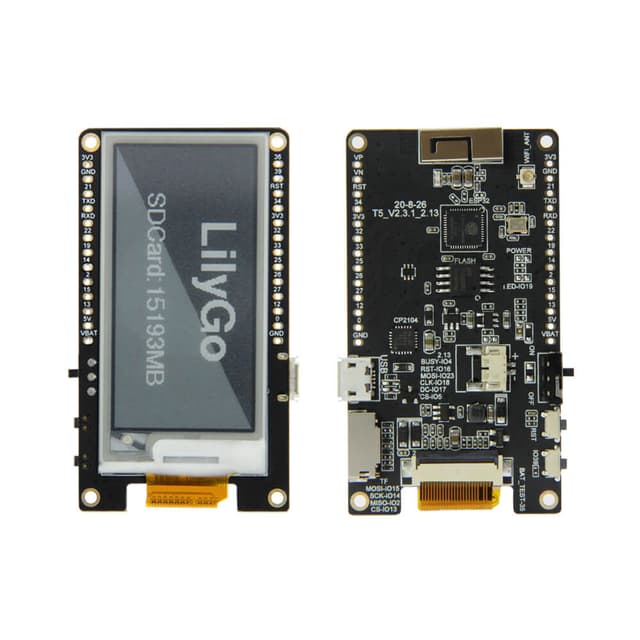
- ESP32 DevKit — up to 8 relays + 8 buttons
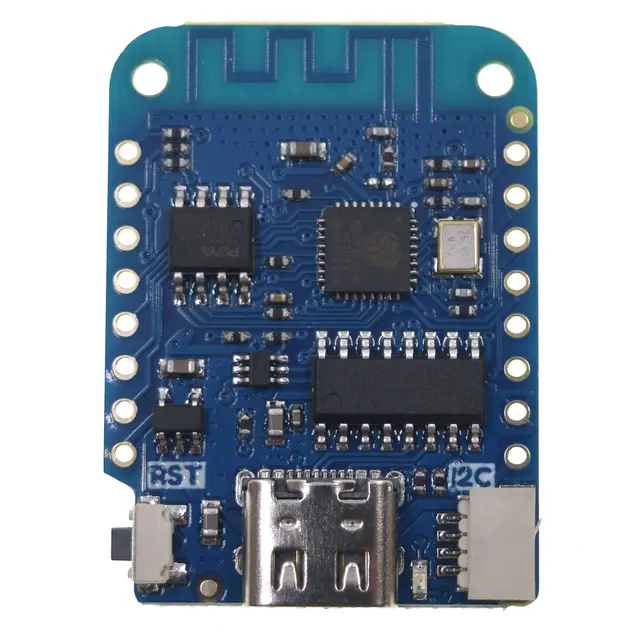
- Wemos D1 Mini — compact 4-relay build