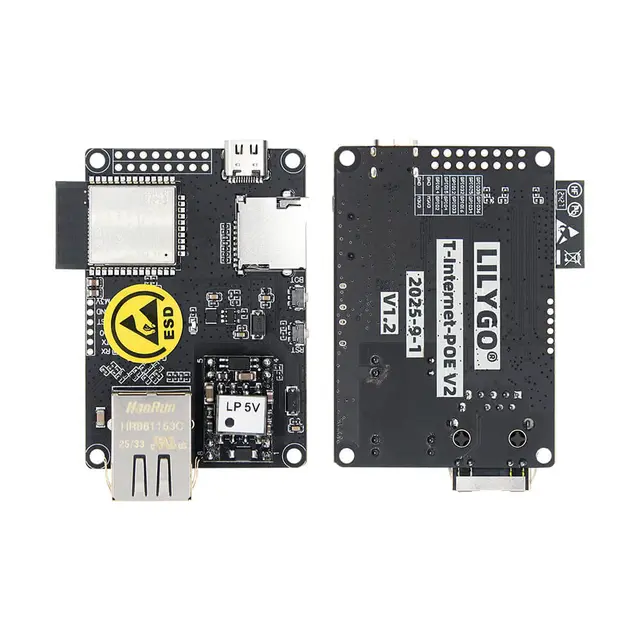
T-Internet-POE ESPHome Bluetooth Proxy over Ethernet
ESPHome configuration that turns the LILYGO T-Internet-POE into a wired Ethernet Bluetooth Active Proxy for Home Assistant — powered and connected entirely via a single PoE cable with no WiFi required.
Overview
This project configures the LILYGO T-Internet-POE as a dedicated Home Assistant Bluetooth proxy over wired Ethernet, eliminating the need for WiFi and reducing 2.4 GHz radio congestion. A single Power over Ethernet (PoE) cable provides both power (802.3af, 36V–57V) and network connectivity, making installation in remote locations like server rooms, garages, or outbuildings straightforward.
Features
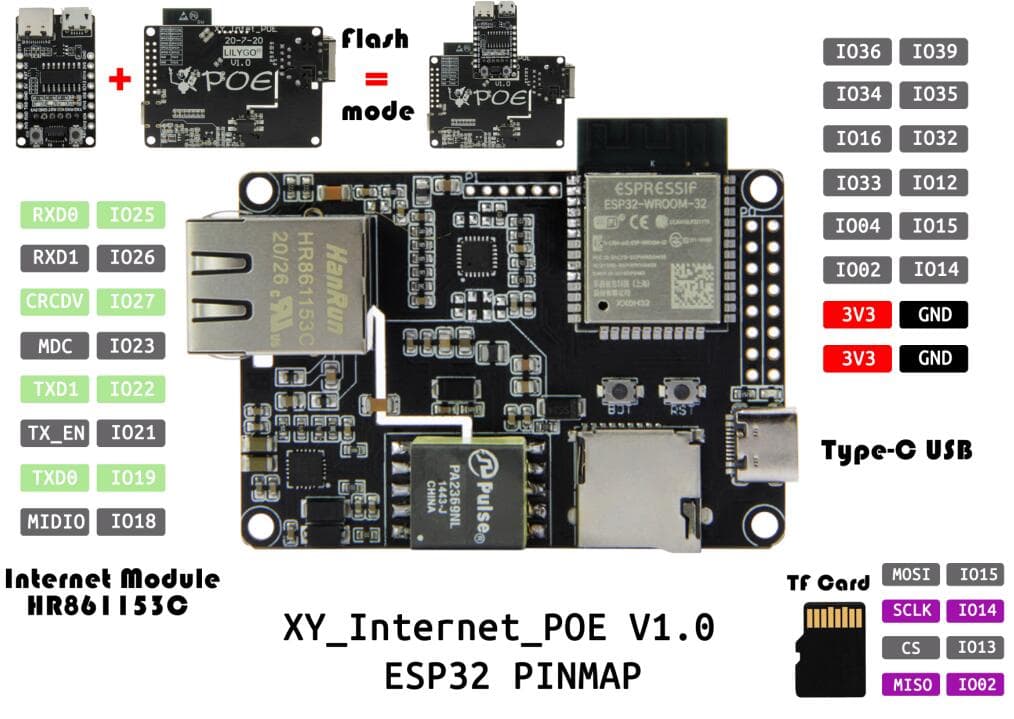
The ESPHome YAML configuration sets up the LAN8720 Ethernet PHY (MDC GPIO23, MDIO GPIO18, CLK GPIO17) and enables active Bluetooth scanning with 1100 ms interval and window for responsive device discovery. Service caching is enabled so Home Assistant can reach BLE devices even when the proxy momentarily loses contact.
A safe mode button provides a recovery mechanism if the device becomes unresponsive after a bad OTA update. The device uses Ethernet exclusively — WiFi is disabled — meaning no radio interference with other 2.4 GHz devices in dense environments. Static IP assignment is supported for reliable DHCP-free deployments.
Common use cases include reaching Bluetooth temperature sensors in a backyard greenhouse, pool area, or detached garage where running a power cable is easier than extending WiFi coverage.
Getting Started
Flash ESPHome firmware via a USB-to-TTL adapter (the T-Internet-POE does not have an onboard USB-to-serial converter on older revisions). After initial flash, all subsequent updates can be done via OTA over Ethernet. The digiblurDIY wiki provides a complete YAML template and step-by-step walkthrough.