T-CAN485 ESPHome RS-485 Modbus Gateway
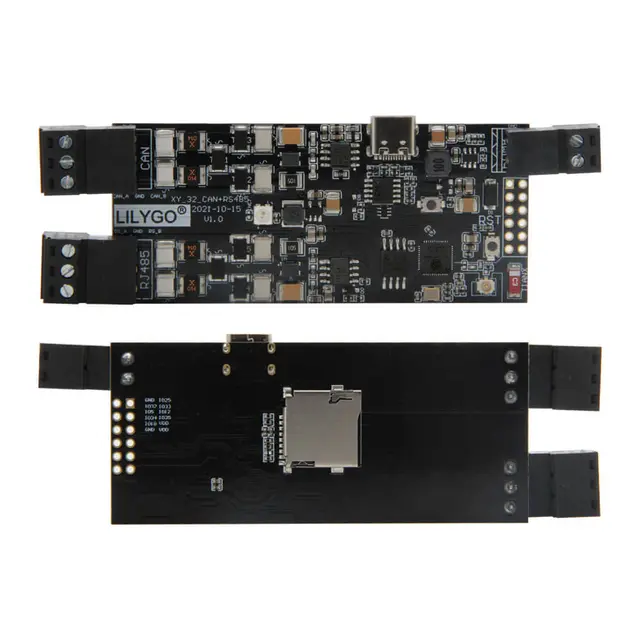
ESPHome package configuration for the LILYGO T-CAN485 that sets up the RS-485 UART interface for Modbus communication, enabling control of solar inverters, batteries, and industrial devices from Home Assistant.
Overview
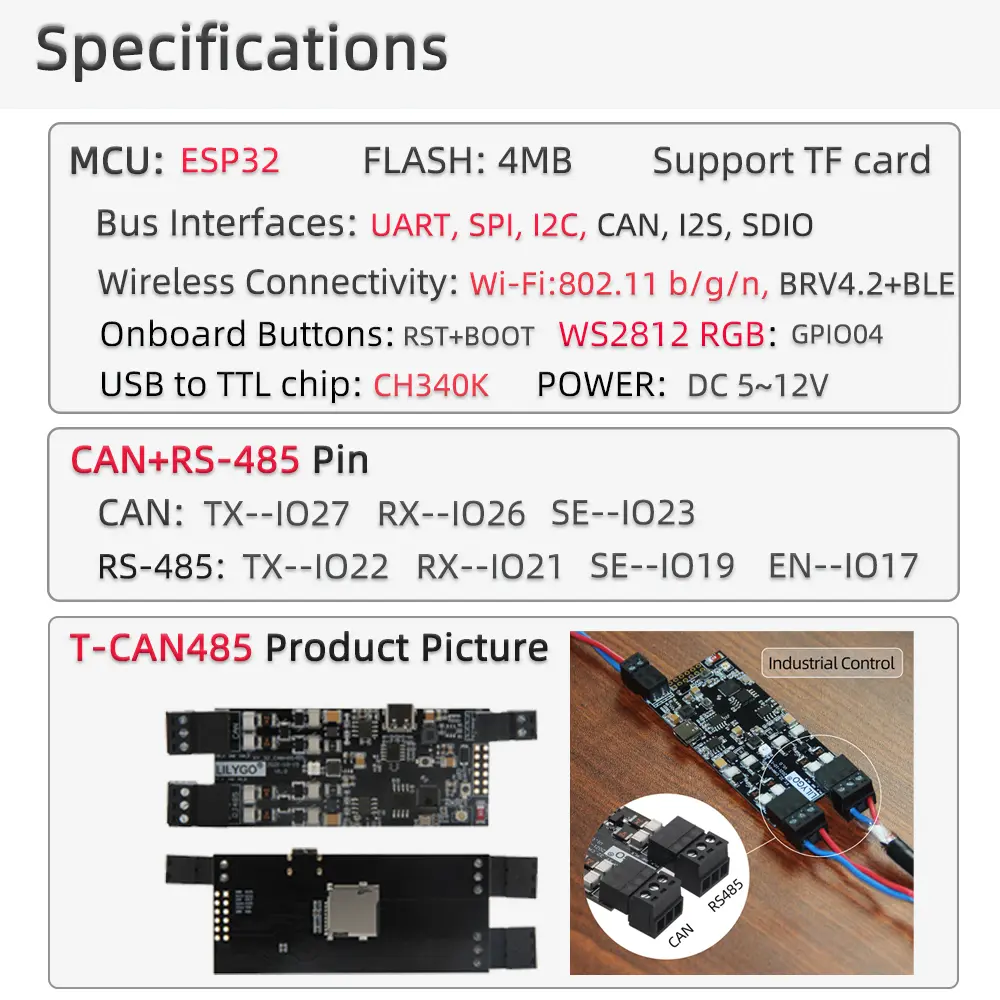
This project provides reusable ESPHome YAML packages that configure the LILYGO T-CAN485 for RS-485 serial communication, making it straightforward to build Modbus gateways for Home Assistant. The package-based approach means you import a single file and configure your baud rate — all GPIO pin assignments are handled automatically.
Features
The rs485.yaml package configures the T-CAN485's built-in RS-485 transceiver on the correct UART pins, exposing a named UART ID that can be consumed by any ESPHome component requiring serial communication. This is directly compatible with the ESPHome modbus and modbus_controller components, which support hundreds of Modbus RTU devices including Growatt and Deye solar inverters, Marstek home batteries, heat pumps, and energy meters.
The T-CAN485 board operates on 5V–12V wide-voltage input, making it suitable for DIN-rail cabinet installations alongside industrial equipment. The onboard WS2812 RGB LED can be used for visual status indication. The CAN bus interface (separate from RS-485) is also available for vehicle diagnostics or industrial automation use cases.
Getting Started
Reference the package in your ESPHome YAML, set the rs485_uart_id substitution to your chosen UART ID, and add the baud rate matching your target device. The project README includes a complete minimal example. Community users have successfully used this configuration to integrate Growatt inverters and Marstek Venus V2 batteries with Home Assistant energy dashboards.