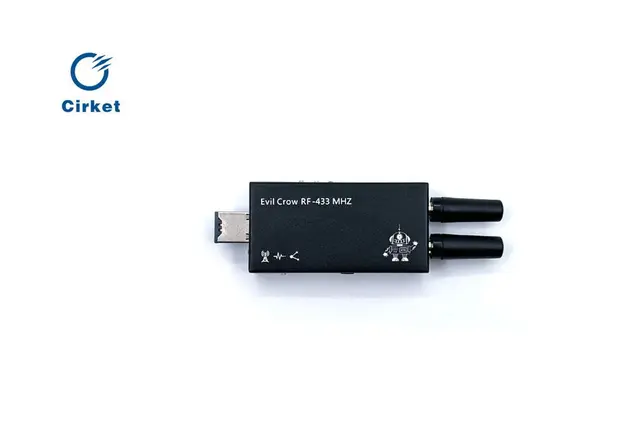
EvilCrowRF HUN73R.0047 — Modern UI Firmware with Mobile App
Alternative firmware for Evil Crow RF V2 featuring a redesigned modern web interface with mobile-first UX, an Android companion app, spectrum analysis visualization, and OTA update support.
Overview
EvilCrowRF HUN73R.0047 is a community firmware by David Miguel (HUN73R.0047) that focuses on modernizing the Evil Crow RF V2 user experience. It replaces the stock web panel with a contemporary interface built on UX design principles, adds an Android companion app, and includes spectrum analysis tools.
Key Features
- Modern web interface — completely redesigned UI based on contemporary UX design principles
- Mobile-responsive layout — improved responsiveness for smartphone and tablet access
- Android companion app — native APK using WebView for convenient mobile control
- Spectrum analysis — frequency monitoring and visualization tools
- OTA firmware updates — update directly from the web panel without USB
- RF signal transmission — transmit and control RF signals through the web interface
Setup
- Flash the firmware from the
/EvilCrow-RFv2folder to your Evil Crow RF V2 - Connect to the WiFi network (SSID:
Evil Crow RF v2) - Access the web panel from any browser or install the Android APK
- Configure RF parameters and start signal operations
What Makes It Different
Unlike the stock firmware which uses a basic web interface, HUN73R.0047 prioritizes user experience with a clean, modern design that works well on mobile devices. The addition of a native Android app makes it convenient for field use during penetration tests.