EvilCrowRF Custom Firmware with Flipper Zero Compatibility
Alternative firmware for Evil Crow RF V2 adding Flipper Zero .SUB file support, Kaiju signal analysis, rolljam/rollback attacks, frequency scanner, and a 34+ protocol brute-force engine with a redesigned web interface.
Overview
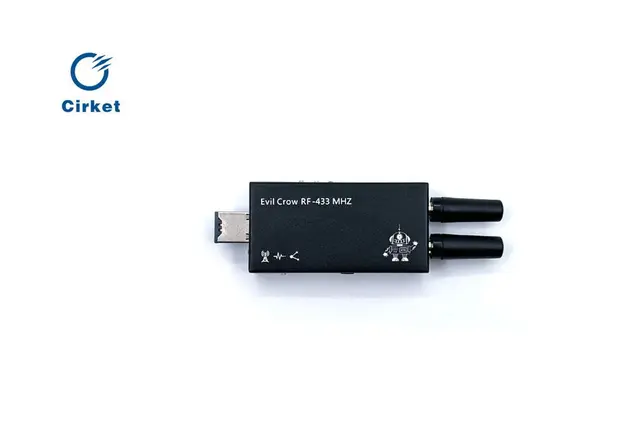
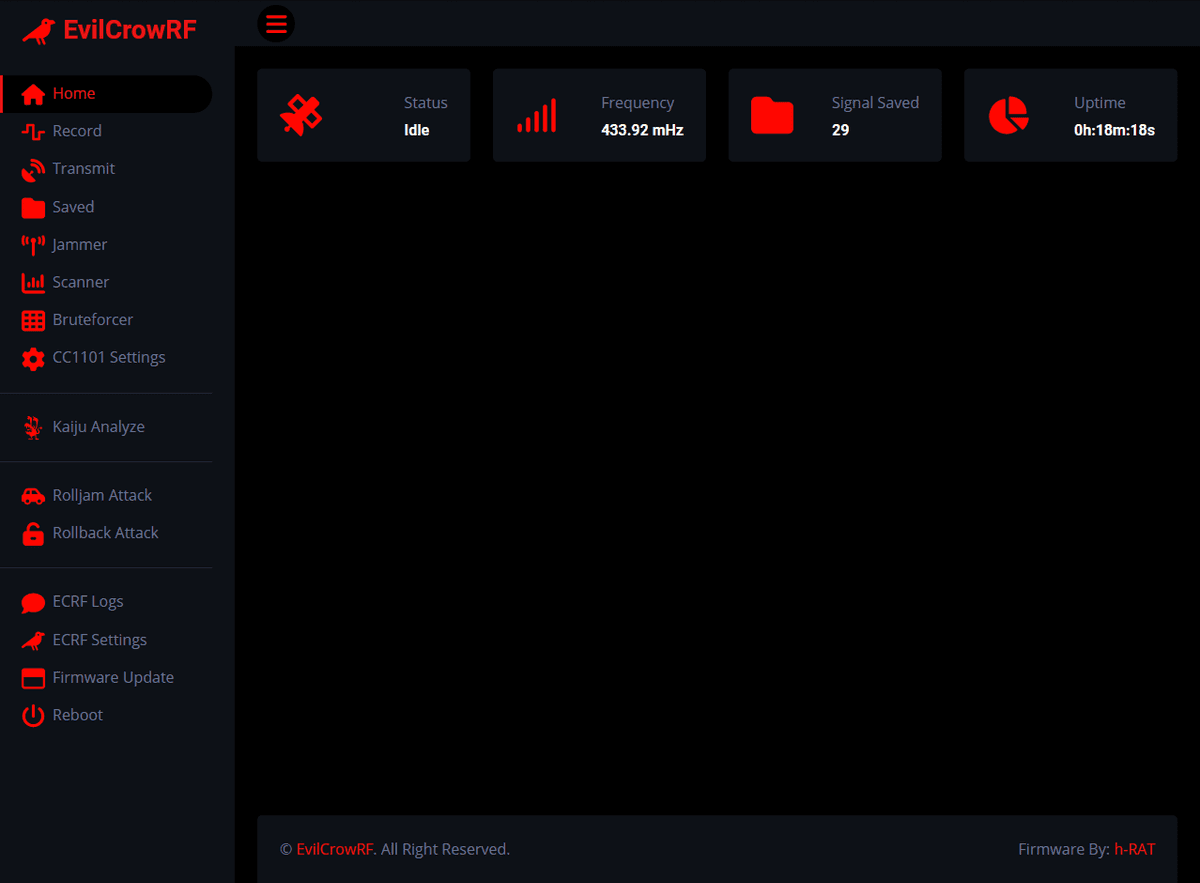
This is the most popular alternative firmware for the Evil Crow RF V2, developed by h-RAT. It replaces the stock firmware with a feature-rich RF security toolkit that adds Flipper Zero file compatibility, advanced attack modes, and a completely redesigned web control panel.
Key Features
- Flipper Zero .SUB file support — record and transmit signals in Flipper Zero's native format, enabling cross-device signal sharing
- Kaiju Analyze — protocol identification engine that analyzes captured signals to determine the encoding scheme
- Kaiju Rolling Codes — generates replay sequences for rolling code systems
- Rolljam attack — captures and jams simultaneously using two Evil Crow RF V2 devices networked together
- Rollback attack — exploits rolling code vulnerabilities by replaying previous valid codes
- Frequency scanner — scans across 300-928 MHz ranges to find active transmissions
- 34+ protocol brute-force — supports Princeton, CAME, Nice FLO, Holtek, SMC5326, GateTX, and DIP switch remotes
- Configurable CC1101 settings — modulation (ASK/OOK/FSK), bandwidth, data rate, and power level
- OTA firmware updates — flash new versions over WiFi without USB
- MicroSD file management — browse, delete, and organize captured signal files from the web panel
Supported Protocols
Princeton (24-bit), Holtek HT12X (12-bit), CAME, SMC5326 (25-bit), Nice FLO (12-bit), GateTX (24-bit), Chamberlain, and many more fixed-code and rolling-code systems.
Setup
- Flash the firmware to your Evil Crow RF V2 via Arduino IDE or OTA update
- Connect to the WiFi access point (SSID:
ECRF, Password:123456789) - Open the web panel at
192.168.4.1 - Insert a MicroSD card for signal storage and .SUB file management
Rolljam Attack Setup
For rolljam attacks, two Evil Crow RF V2 devices are required — one acts as the receiver/replayer and the other as the jammer. Configure the jammer's IP address in ECRF Settings and start the coordinated attack from the web panel.