EvilCrowPyRF — Python CLI for RF Signal Management
Python command-line tool for managing Evil Crow RF signal captures, enabling scripted receive, transmit, save, and replay operations with support for Tesla signals, jamming, and button assignment.
Overview
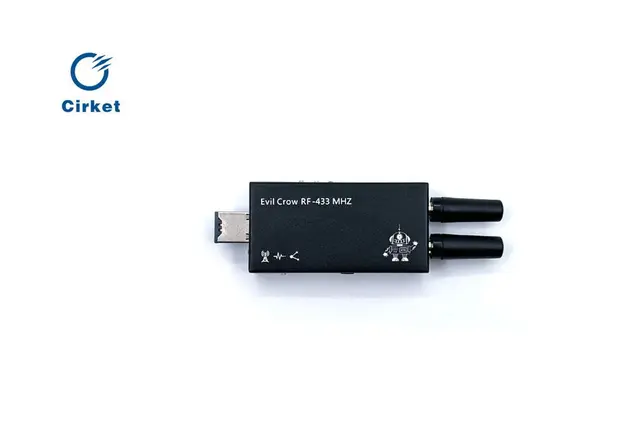
EvilCrowPyRF by DoobTheGoober (CharlesTheGreat77) is a Python script that provides command-line control over the Evil Crow RF device running the original stock firmware. It enables scripted RF signal operations without needing the web interface, making it ideal for automated testing workflows and batch signal management.
Key Features
- Signal reception — configure receivers on specific frequencies with customizable modulation (ASK, FSK), bandwidth, and deviation settings
- Signal transmission — replay captured signals with adjustable power levels and repeat counts
- Log file management — save captured RF signals to structured text files with frequency, modulation, deviation, and payload data
- Signal replay from files — load previously saved signal files and retransmit without recapturing
- Button assignment — assign captured signals to the physical buttons on the Evil Crow RF device
- Tesla signal support — specialized functions for transmitting Tesla-specific RF signals
- Jamming — initiate RF jamming on specified frequencies via CLI
- SPIFFS management — clean device flash memory and manage stored logs
Requirements
- Python 3 with BeautifulSoup4
- Evil Crow RF running the original stock firmware (not compatible with h-RAT custom firmware)
- Works on desktop platforms and iOS via the Pyto app
Usage
The script communicates with the Evil Crow RF's web interface over WiFi, parsing and submitting forms programmatically. Connect to the device's WiFi access point, then run the Python script to access all operations through a text-based menu.