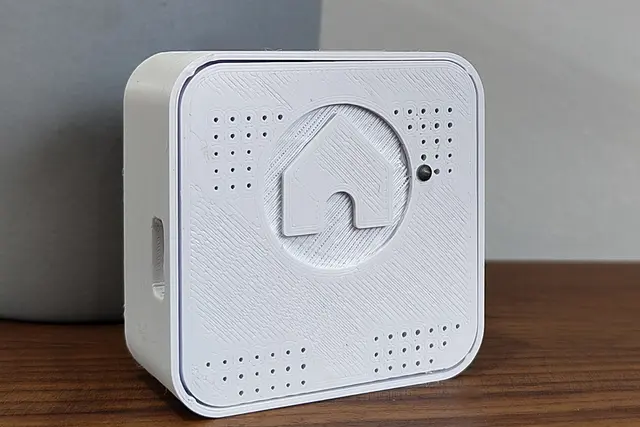
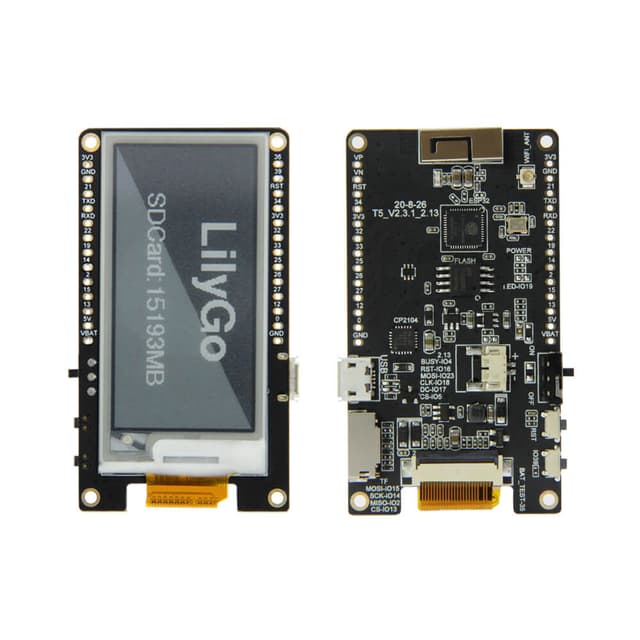
Airlytix ES1 Getting Started with Home Assistant
Step-by-step tutorial for setting up the Airlytix ES1 air quality sensor: WiFi configuration, Home Assistant ESPHome integration, entity reference, sensor calibration offsets, and quality threshold customization.
Overview
The official Airlytix documentation provides a comprehensive getting-started guide covering everything from initial WiFi setup to advanced Home Assistant configuration. The ES1 integrates with Home Assistant via ESPHome's native auto-discovery, requiring minimal manual configuration.
Setup Steps
1. WiFi Connection
Connect the ES1 via USB-C and use the browser-based web installer to flash firmware and configure WiFi credentials. No command-line tools required for basic setup.
2. Home Assistant Integration
The ES1 is auto-discovered by Home Assistant's ESPHome integration. Simply accept the discovered device in the Home Assistant UI to add all sensor entities.
3. Entity Reference
The documentation provides a complete reference of all exposed Home Assistant entities including PM1.0/2.5/4/10, VOC index, NOx index, CO2 (ppm), temperature, humidity, barometric pressure, ambient light (lux), color temperature, and sound level (dBA).
4. Configuration & Calibration
- Configure quality thresholds for the traffic-light LED indicator (good/fair/poor)
- Apply sensor offset corrections for temperature and humidity
- Customize update intervals and entity naming
5. Firmware Updates
Update firmware via the web installer (USB-C) or OTA through ESPHome. No YAML management required unless customizing beyond stock configuration.