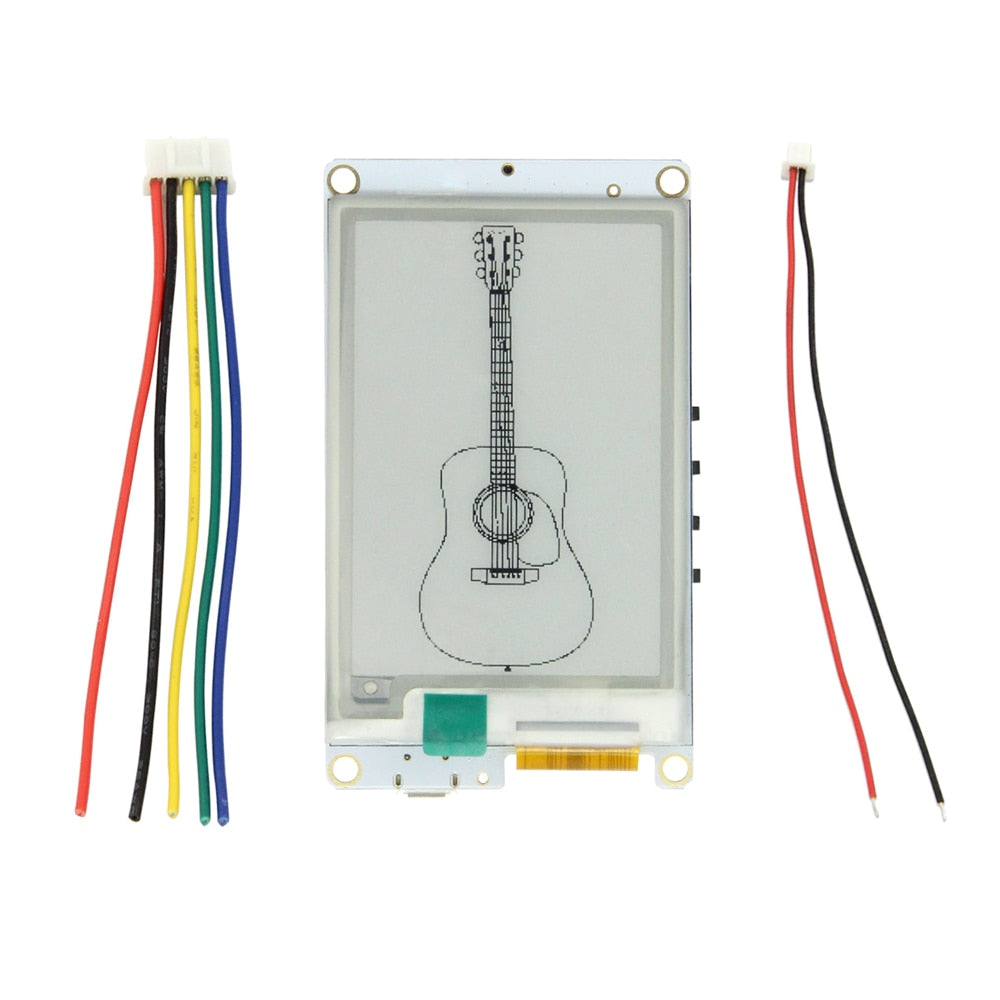
LILYGO T5S 2.7 Inch E-Paper
ESP32 development board with a 2.7-inch black-and-white e-paper display (264x176), onboard I2S audio (MAX98357A DAC + ICS43434 microphone), TF card slot, and battery management.
$22.94
Hardware Specifications
Connectivity
Components
Dual-core Xtensa LX6 @ 240MHz, REV1, with integrated WiFi and Bluetooth
Black & white e-ink display, 264x176 pixels, 6s full refresh, no partial refresh
Class-D I2S DAC amplifier for speaker output
Single-channel I2S MEMS microphone
Resources


Where to Buy
Overview
The LILYGO T5S is an ESP32-based development board centered on a 2.7-inch e-paper display with integrated audio capabilities. The black-and-white e-ink panel offers 264x176 pixel resolution with a 6-second full refresh time, making it well-suited for low-power information display applications such as weather stations, clocks, and notification boards.
Uniquely, the T5S includes an I2S audio subsystem featuring the MAX98357A Class-D DAC amplifier and ICS43434 MEMS microphone, enabling voice-aware IoT applications. A TF card slot and Grove interface expand storage and peripheral connectivity. The 500mA battery management system with protection circuitry (short circuit, overcharge, overvoltage) and a physical power button make the board suitable for battery-powered deployments.
Firmware Compatibility
The T5S supports Arduino IDE and ESP-IDF. E-paper display libraries for the 2.7-inch panel and I2S audio libraries are available in the GitHub repository at LilyGo-T5-ink-series. The CP2102 USB-UART chip is well-supported across all major operating systems.
Flashing Guide
- Install CP2102 USB drivers from Silicon Labs if required.
- Connect via USB cable.
- Install ESP32 Arduino core via Boards Manager.
- Select "ESP32 Dev Module" with 4MB Flash.
- Clone https://github.com/Xinyuan-LilyGO/LilyGo-T5-ink-series for examples.
- Upload your sketch and press the power button to start the board.
Related Products
ESP32This product page may contain errors. If you find any, please report them.