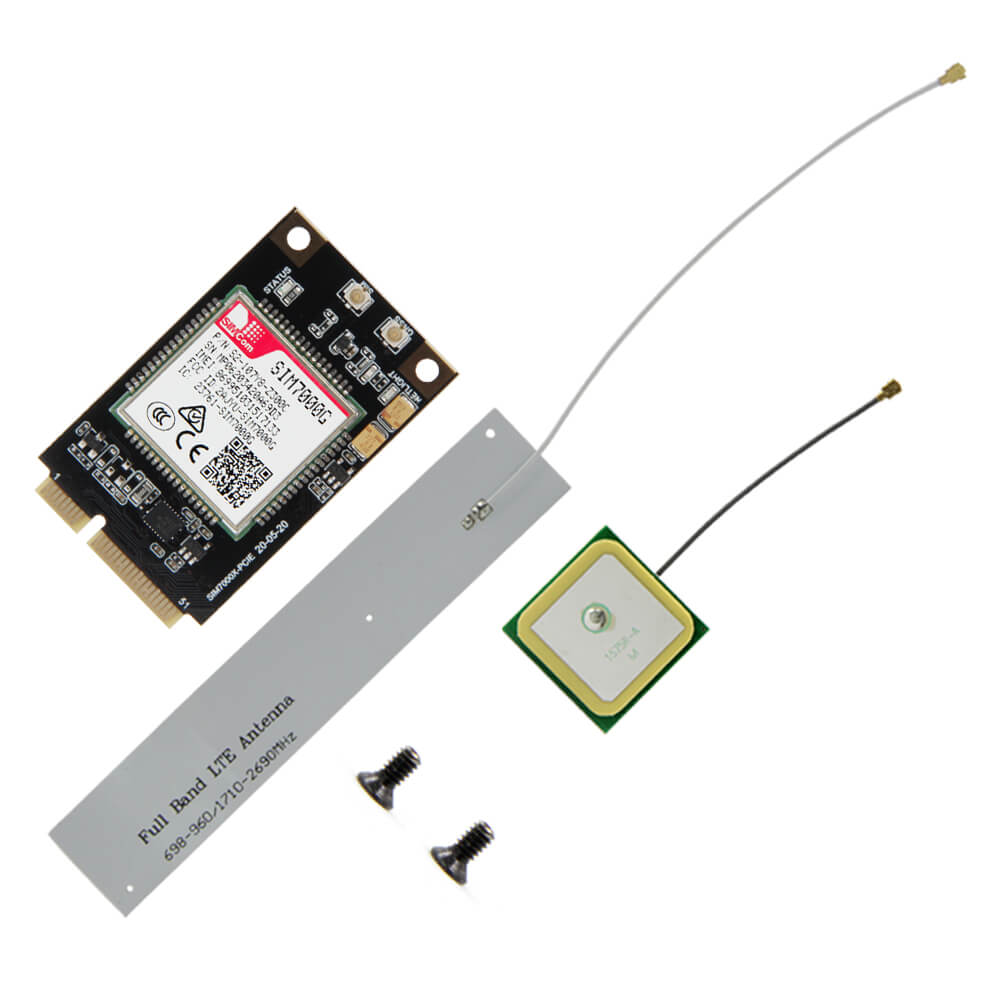
LILYGO T-PCIE
A modular ESP32 development board with a nano card slot supporting interchangeable cellular SIM modules (SIM7000G, SIM7600, A7670, and more) for flexible global cellular IoT connectivity.
$11.00
Hardware Specifications
Connectivity
Components
Dual-core Xtensa LX6 at 240MHz with integrated Wi-Fi and Bluetooth
Resources


Where to Buy
Overview
The LILYGO T-PCIE is a modular ESP32 development platform designed around a nano card slot that accepts interchangeable cellular modem modules. This architecture allows developers to choose the exact cellular technology needed for their deployment region and use case, and to swap modules as requirements change without replacing the entire board.
The T-PCIE nano card slot is compatible with 16 different cellular modules including: SIM7000G (global LTE Cat-M/NB-IoT), SIM7070G (LPWA global), SIM7600G-H (LTE Cat-4 global), SIM7600NA (North America), SIM7600JC-H (Japan/Korea), SIM7600E-H (Europe), SIM868 (GSM + GPS), SIM7080G, SIM7020G (NB-IoT), A7608E-H, A7608SA-H, A7670E, and several regional A7670 variants. This breadth of supported modules makes the T-PCIE a flexible platform for global product development.
The host board provides the ESP32 processor (4MB or 16MB Flash variants), Wi-Fi, Bluetooth, USB Type-C for power and programming, and the necessary UART interface to communicate with whichever modem is installed. The board also plugs into LILYGO's T-SimCam and T-Internet-COM boards via their M.2/mPCIe slots, acting as a cellular expansion module for those platforms.
Firmware Compatibility
- Arduino: Supported via TinyGSM library, which provides a unified API across all supported modem types.
- ESP-IDF: Supported via direct AT command communication with the installed modem over UART.
Flashing Guide
- Insert the desired cellular modem module into the nano card slot.
- Connect via USB Type-C cable.
- In Arduino IDE, select "ESP32 Dev Module" or "ESP32 Wrover Module" and the correct COM port.
- Install TinyGSM and configure the modem type to match your installed module.
- Connect the appropriate LTE/GPS antennas for the installed modem.
- Refer to https://github.com/Xinyuan-LilyGO/T-PCIE for module-specific pinout diagrams and example sketches.
Related Products
ESP32This product page may contain errors. If you find any, please report them.