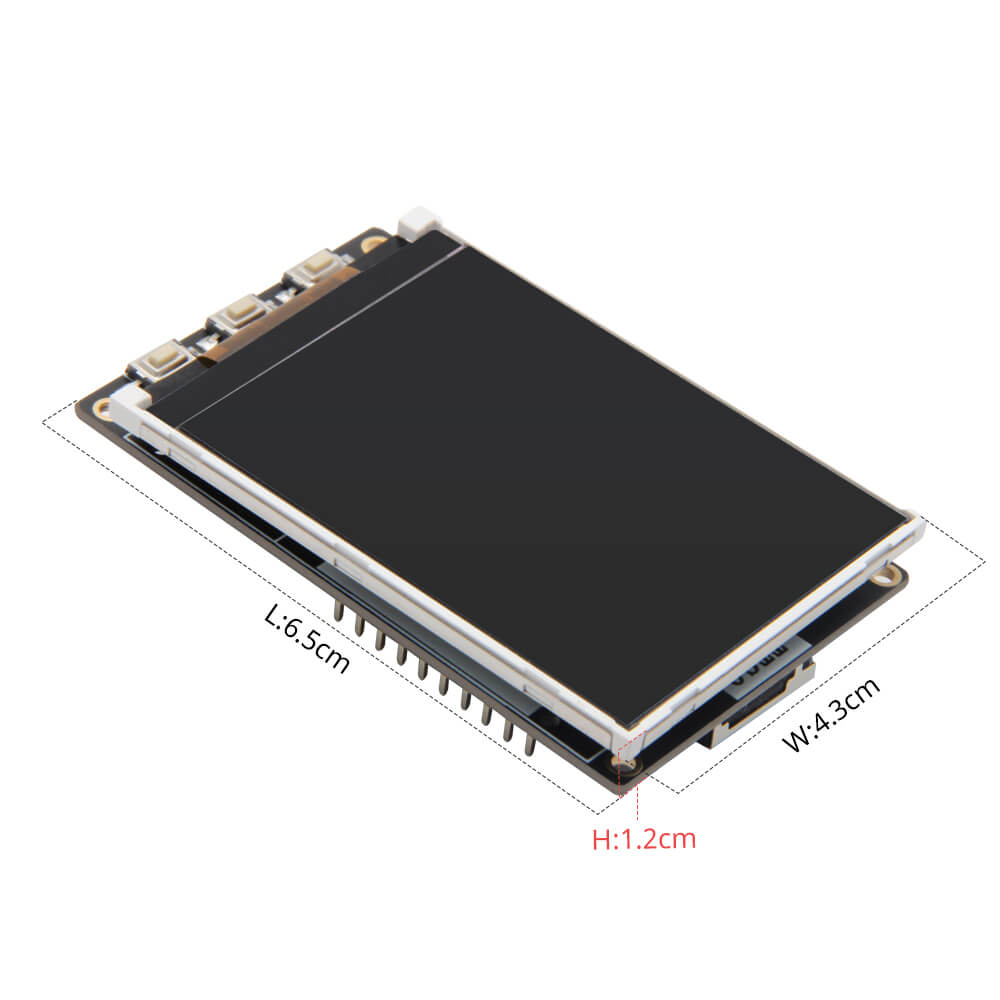
LILYGO T4
ESP32-based development board with an ILI9341 TFT LCD display (2.2 or 2.4 inch), 8MB PSRAM, and battery support via JST connector, ideal for makers and engineers.
$16.66
Hardware Specifications
Connectivity
Components
Dual-core Xtensa LX6, 240MHz, with integrated WiFi and Bluetooth
TFT LCD controller supporting 320x240 resolution, 65K colors via 4-wire SPI
QFN24 USB-to-UART bridge for programming and serial communication
Resources


Where to Buy
Overview
The LILYGO T4 is an ESP32-based development board that pairs the versatile ESP32 microcontroller with an ILI9341 TFT LCD display, available in either 2.2-inch or 2.4-inch variants. The board targets makers, engineers, and students who need a compact, color display-equipped development platform with wireless connectivity built in.
Featuring 8MB of PSRAM alongside 4MB of Flash, the T4 provides ample memory for graphics-intensive applications and data buffering. The ILI9341 display driver supports 320x240 resolution with 65K colors over a 4-wire SPI interface, making it compatible with the popular TFT_eSPI library. Battery operation is supported via a JST GH 1.25mm connector, and the CH9102F serial chip provides reliable USB-to-UART communication.
Firmware Compatibility
The T4 is fully supported by the Arduino IDE and MicroPython. The TFT_eSPI library is the recommended display library, and community examples are available in the GitHub repository. Standard ESP32 Arduino core libraries apply for WiFi and Bluetooth functionality.
Flashing Guide
- Install the ESP32 Arduino core via Boards Manager in Arduino IDE.
- Connect the board via USB; drivers for CH9102F may be required on some systems.
- Select "ESP32 Dev Module" or the appropriate T4 board in Arduino IDE.
- Set Flash size to 4MB and PSRAM to enabled in board settings.
- Upload your sketch; use the Boot button if the board does not enter download mode automatically.
Related Products
ESP32This product page may contain errors. If you find any, please report them.