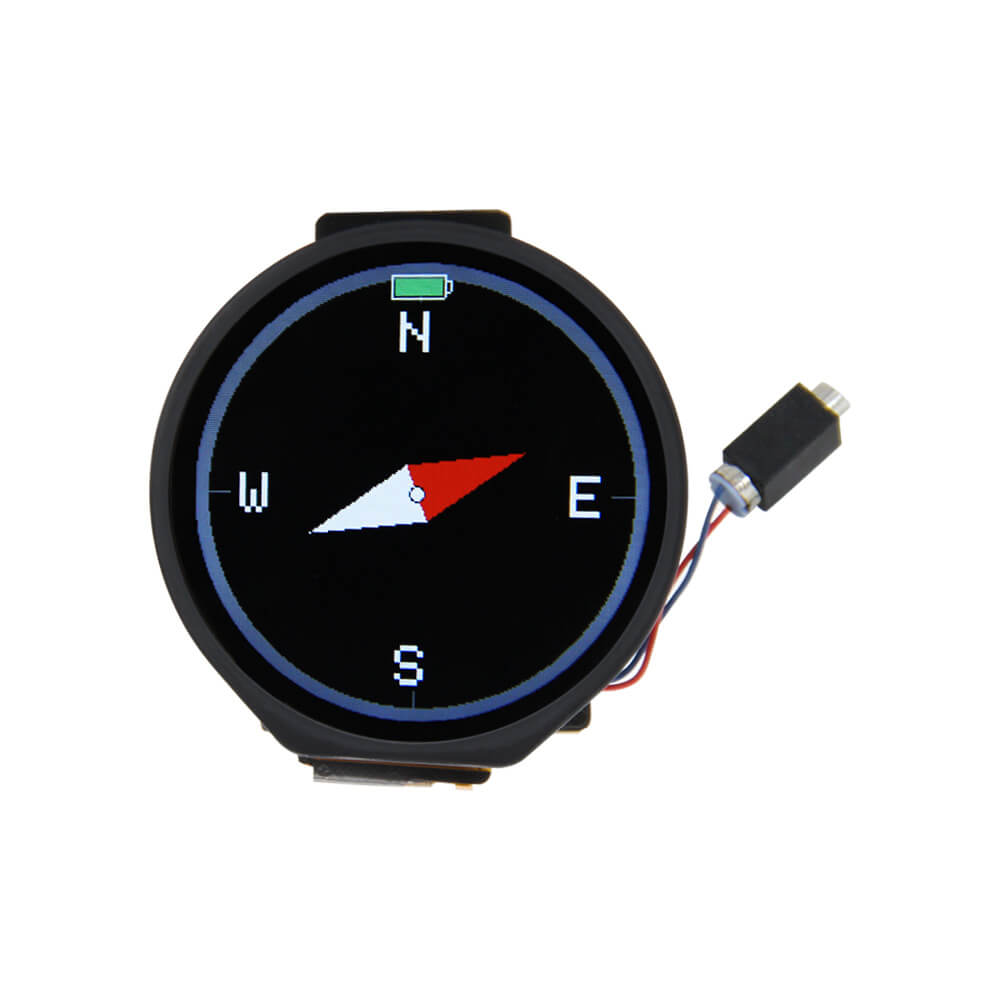
LILYGO T-Watch 2021
ESP32-based programmable smartwatch with a 1.3-inch round capacitive touchscreen, BMA423 accelerometer with pedometer, vibration motor, and RTC for wearable IoT development.
$25.62
Hardware Specifications
Connectivity
Components
Dual-core Xtensa LX6 processor with Wi-Fi and Bluetooth, 4 MB flash, 2 MB PSRAM
1.3-inch round IPS LCD driver with capacitive touch, 240x240 resolution
Three-axis accelerometer with built-in step counter and activity recognition
Resources


Where to Buy
Overview
The LILYGO T-Watch 2021 is an open-source ESP32 smartwatch designed for firmware developers and IoT enthusiasts. It features a 1.3-inch round GC9A01 IPS LCD with capacitive touch at 240x240 resolution, housed in a wristwatch form factor.
The BMA423 three-axis accelerometer provides hardware pedometer functionality and gesture detection, while an onboard vibration motor enables haptic feedback. A real-time clock (RTC) maintains accurate time independently of the processor, and a power detection circuit monitors battery health. The watch connects to a computer for programming via USB Type-C.
Supported interfaces include UART, SPI, I2C, CAN, I2S, and SDIO, giving developers flexibility to extend the watch with external sensors and peripherals. The T-Watch 2021 is compatible with the T-U2T USB-to-serial downloader when the native USB interface is not sufficient.
Firmware Compatibility
The T-Watch 2021 is supported by the Arduino IDE with the ESP32 Arduino core. LILYGO's T-Watch-2021 GitHub repository provides a hardware abstraction library (LILYGO T-Watch Library) with examples for display, touch, accelerometer, RTC, and power management. ESP-IDF can also be used for bare-metal development.
Flashing Guide
- Connect via USB Type-C cable to a computer.
- Install required drivers if not automatically detected.
- In Arduino IDE, install the ESP32 board package and LILYGO T-Watch Library.
- Select the appropriate ESP32 board variant.
- Open an example sketch from the T-Watch-2021 repository and upload.
- Alternatively, use the T-U2T downloader if USB is not available.
Related Products
ESP32This product page may contain errors. If you find any, please report them.