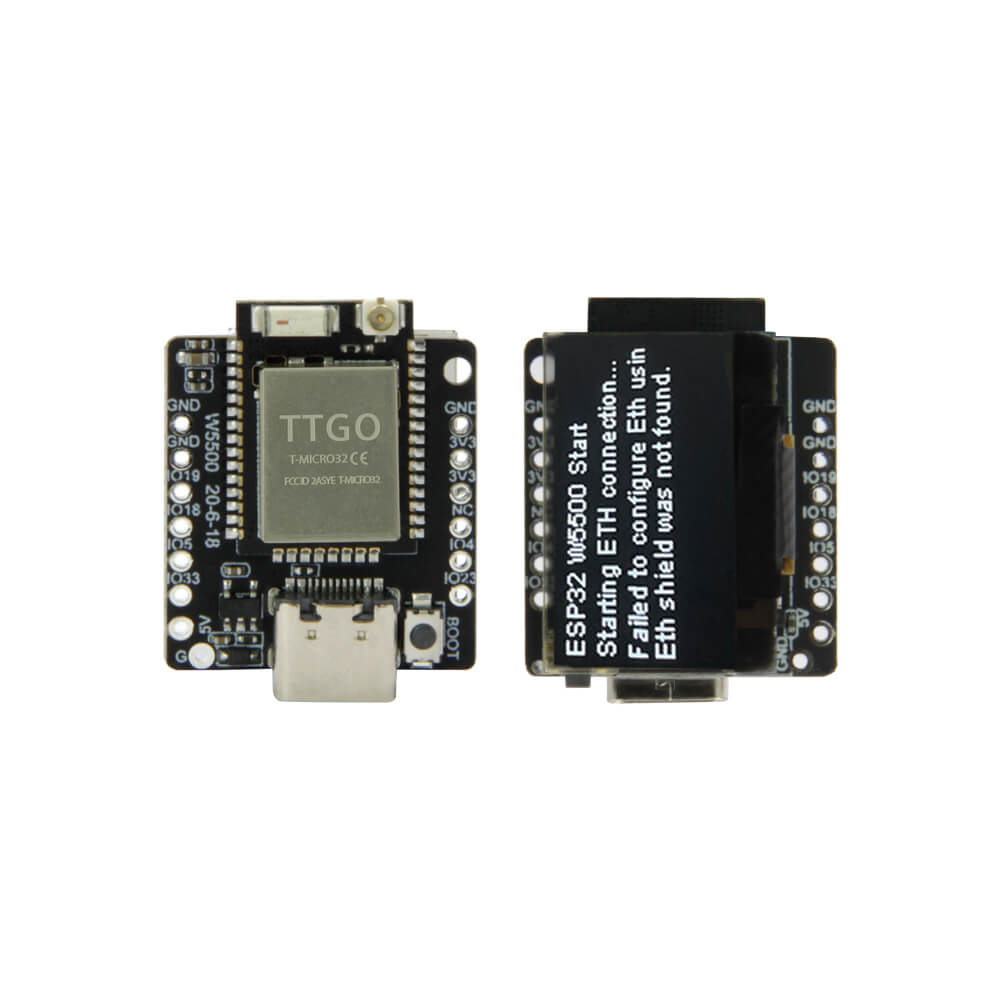
LILYGO T-Lite W5500
Ultra-compact ESP32 module with 0.96-inch SSD1306 OLED, WiFi, Bluetooth 4.2, and optional W5500 Ethernet gateway, measuring just 29.5x23x8mm at 4.5g.
$5.49
Hardware Specifications
Connectivity
Certifications
Components
Dual-core Xtensa LX6 with integrated WiFi and BLE 4.2, 300m range
Hardwired TCP/IP Ethernet controller (gateway module variant)
0.96-inch OLED display driver, I2C interface
Resources


Where to Buy
Overview
The LILYGO T-Lite W5500 is one of the smallest ESP32 development boards in the LILYGO lineup, measuring just 29.5x23x8mm and weighing only 4.5g. Despite its tiny footprint, it integrates a 0.96-inch SSD1306 OLED display, USB Type-C, boot and reset buttons, and full ESP32 wireless capability with a ceramic onboard antenna.
The optional W5500 Ethernet gateway module variant adds hardwired TCP/IP connectivity via the WIZnet W5500 chip, enabling reliable wired networking alongside WiFi. Protocol support includes IPv4, IPv6, SSL, TCP, UDP, HTTP, FTP, and MQTT. The board carries multiple certifications (FCC, CE-RED, IC, TELEC, KCC, SRRC, NCC) and operates across a -40°C to +85°C temperature range.
Firmware Compatibility
The T-Lite W5500 runs FreeRTOS and is compatible with the Arduino IDE and ESP-IDF. The W5500 Ethernet variant uses the Ethernet2 or Ethernet library with SPI. The GitHub repository at LilyGo-W5500-Lite provides wiring diagrams and example code.
Flashing Guide
- Connect via USB Type-C cable.
- Install ESP32 Arduino core via Boards Manager.
- Select "ESP32 Dev Module" with 4MB Flash.
- Clone https://github.com/Xinyuan-LilyGO/LilyGo-W5500-Lite for examples.
- Upload sketch; press Boot button during power-up if download mode is not entered automatically.
Related Products
ESP32This product page may contain errors. If you find any, please report them.