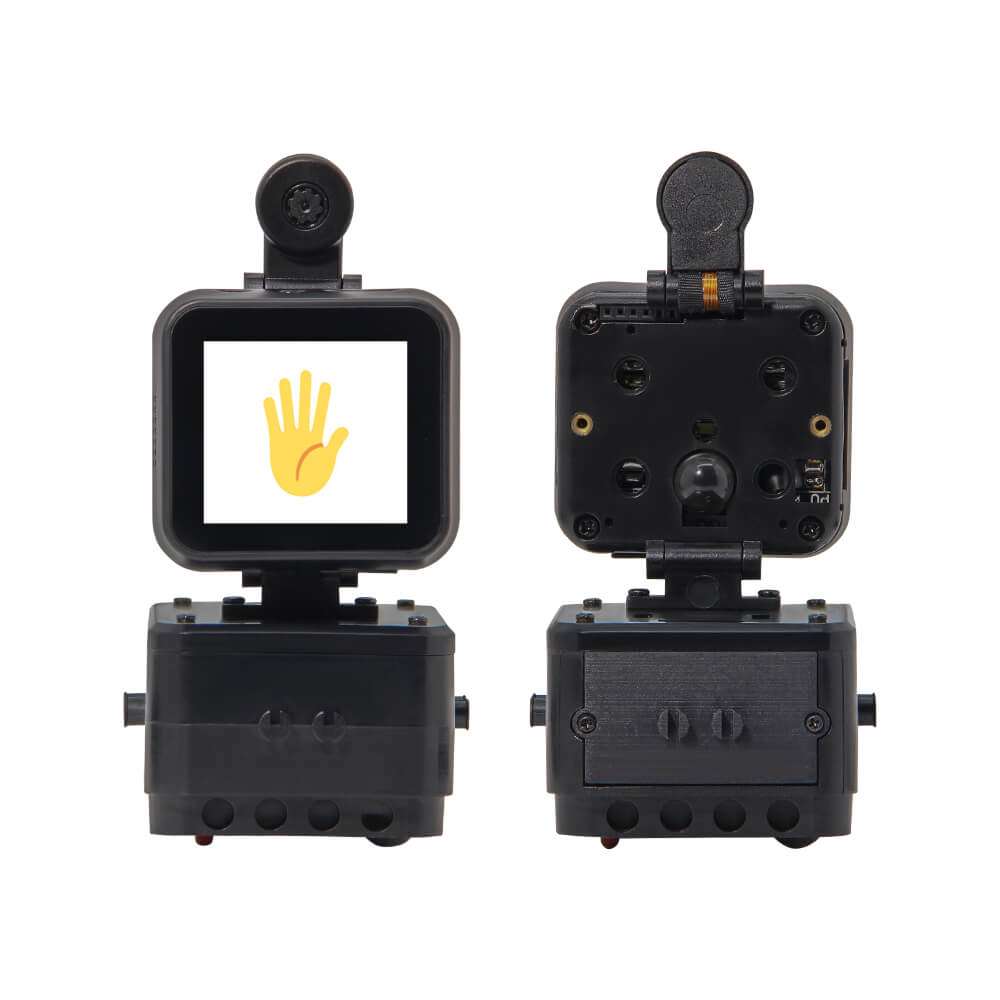
LILYGO T-Bao
Dual-MCU development board combining ESP32 and K210 RISC-V AI processor with OV2640 camera, 1.54-inch touch display, audio amplifier, and motor driver for embedded vision and AI applications.
$80.69
Hardware Specifications
Connectivity
Components
Dual-core Xtensa LX6 240MHz, 16MB flash, 8MB PSRAM, WiFi 802.11b/g/n, Bluetooth 4.2+BLE
RISC-V dual-core 64-bit with FPU running FreeRTOS, face recognition at QVGA@60FPS / VGA@30FPS
2 megapixel camera sensor
1.54-inch 240×240 IPS capacitive touch LCD
I2S digital audio amplifier, 3.2W at 4 ohms
Dual H-bridge motor driver
6-axis accelerometer and gyroscope
Power management unit
Resources


Where to Buy
Overview
The LILYGO T-Bao is a sophisticated dual-MCU development board that pairs the ESP32 with the Kendryte K210, a RISC-V dual-core 64-bit AI processor designed for embedded machine learning and computer vision. The K210 runs FreeRTOS and can perform real-time face recognition at QVGA@60FPS or VGA@30FPS, enabling on-device AI without cloud connectivity.
The hardware complement is impressive: an OV2640 2MP camera provides the visual input, a 1.54-inch ST7789 IPS display (240×240 pixels) with capacitive touch shows results, and a MAX98357A I2S audio amplifier (3.2W at 4 ohms) enables audio output. A DRV8833 dual H-bridge motor driver supports robotic applications, while the MPU6050 6-axis IMU enables motion-aware interactions. The AXP202 power management unit handles efficient power delivery.
The ESP32 handles WiFi (802.11b/g/n) and Bluetooth 4.2+BLE connectivity, acting as a communication hub while the K210 processes vision tasks. The two MCUs communicate over UART. Dimensions are 53×64mm for the main body with additional height from the camera mount.
Firmware Compatibility
The ESP32 side is compatible with Arduino IDE, ESP-IDF, and MicroPython. The K210 is programmed using MaixPy (MicroPython for K210) or the Kendryte SDK. The GitHub repository at https://github.com/Xinyuan-LilyGO/LilyGo-K210-Script provides script examples for K210 vision tasks.
Flashing Guide
- For ESP32 firmware: install ESP32 board package in Arduino IDE, connect via USB-C, select ESP32 Dev Module with 16MB flash and 8MB PSRAM.
- For K210 firmware: use the MaixPy IDE and flash MaixPy or a Kendryte SDK binary.
- The two MCUs are connected via UART; coordinate communication protocols accordingly.
Related Products
ESP32This product page may contain errors. If you find any, please report them.