Tasmota ESP32 BLE Sensor Gateway
Use an ESP32 with Tasmota as a Bluetooth Low Energy gateway to bridge Xiaomi Mijia, MiFlora, and other BLE sensors to WiFi/MQTT. Passive scanning with no pairing required for most sensors.
Tasmota ESP32 BLE Sensor Gateway
Turn any ESP32 board into a Bluetooth Low Energy (BLE) sensor gateway with Tasmota. Passively scan for Xiaomi/Mijia, MiFlora, and other BLE sensors and bridge their data to MQTT — no pairing required for most devices.
Why This Project
- Bridge BLE to WiFi — BLE sensors have limited range, WiFi has unlimited reach via MQTT
- No hub needed — ESP32 acts as the BLE receiver directly
- Passive scanning — most sensors broadcast data openly, no pairing needed
- Multiple sensors — one ESP32 can receive from dozens of BLE devices
- Cheap BLE sensors — Xiaomi Mijia temperature sensors are $4-5 each
Supported BLE Sensors
| Sensor | Model | Data | Encryption |
|---|---|---|---|
| Xiaomi Mijia Temp/Humidity | LYWSD03MMC | Temperature, humidity, battery | Requires bind key |
| Xiaomi MiFlora Plant Sensor | HHCCJCY01 | Temp, humidity, light, soil moisture | Open |
| Xiaomi Mijia Temp/Humidity 2 | LYWSD02 | Temperature, humidity | Open |
| CGG1 Xiaomi Temp/Humidity | CGG1 | Temperature, humidity, battery | Optional |
| MHO-C401 E-Ink Temp | MHO-C401 | Temperature, humidity | Requires bind key |
| iBeacon devices | Various | UUID, RSSI (presence detection) | Open |
Hardware Required
| Component | Purpose | Est. Cost |
|---|---|---|
| Any ESP32 board | BLE receiver + WiFi transmitter | $4-8 |
| Xiaomi LYWSD03MMC sensors | BLE temp/humidity broadcasters | $4-5 each |
That's it — no additional hardware needed. The ESP32 has built-in BLE.
Tasmota Setup
- Flash
tasmota32.binto any ESP32 board - Configure WiFi and MQTT
- BLE scanning starts automatically
# Enable BLE (enabled by default on tasmota32)
SetOption115 1

# Show all discovered BLE devices
BLEDetails1

# Activate Mijia BLE driver
SO100 1
Encryption / Bind Keys
Some Xiaomi sensors encrypt their BLE broadcasts. You need to extract the "bind key":
Method 1: Custom Firmware (LYWSD03MMC)
Flash the sensor with ATC firmware to disable encryption and enable custom advertising format.
Method 2: Extract Bind Key
Use the Xiaomi Home app token extraction method to get the bind key, then configure in Tasmota:
# Set bind key for a specific sensor
BLEkey1 AABBCCDDEEFF00112233445566778899
JSON Output
{
  "BLE": {
    "LYWSD03MMC": {
      "mac": "A4:C1:38:XX:XX:XX",
      "Temperature": 22.3,
      "Humidity": 45.2,
      "Battery": 87,
      "RSSI": -65
    }
  }
}
Home Assistant Integration
BLE sensors auto-discover in Home Assistant via Tasmota MQTT:
sensor.ble_lywsd03mmc_temperaturesensor.ble_lywsd03mmc_humiditysensor.ble_lywsd03mmc_battery
Range and Placement
- BLE range: ~10m through walls, ~30m line of sight
- Place the ESP32 gateway centrally for best coverage
- Use multiple ESP32 gateways for large homes (each publishes to same MQTT broker)
Compatible Boards
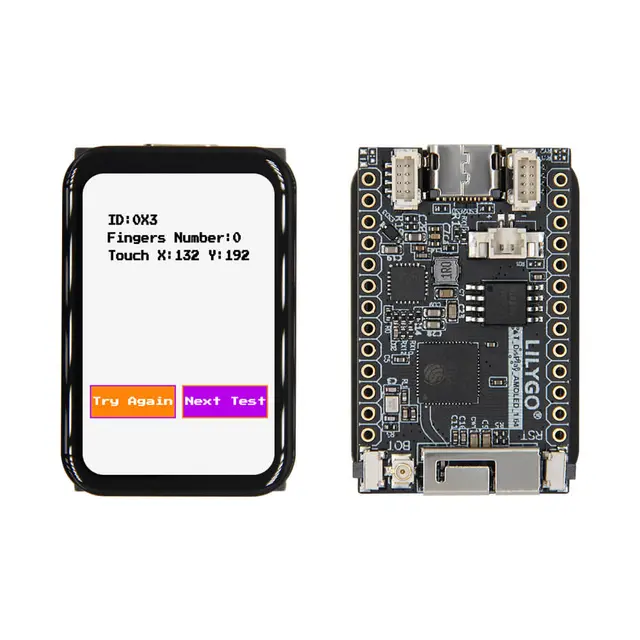
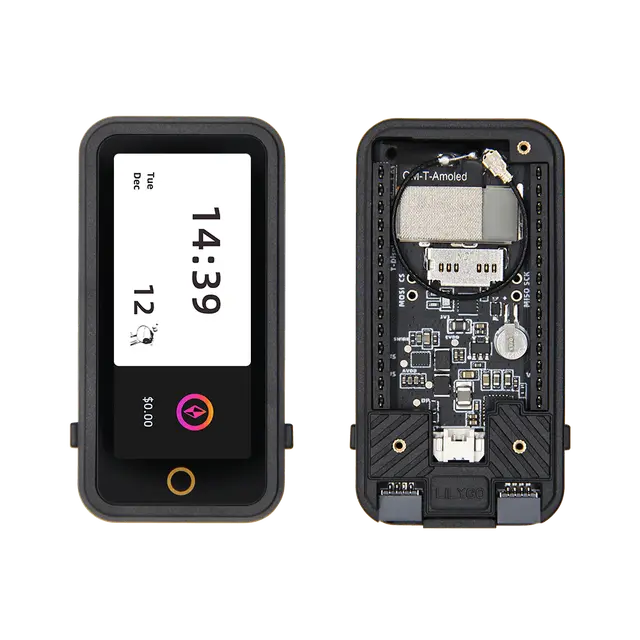
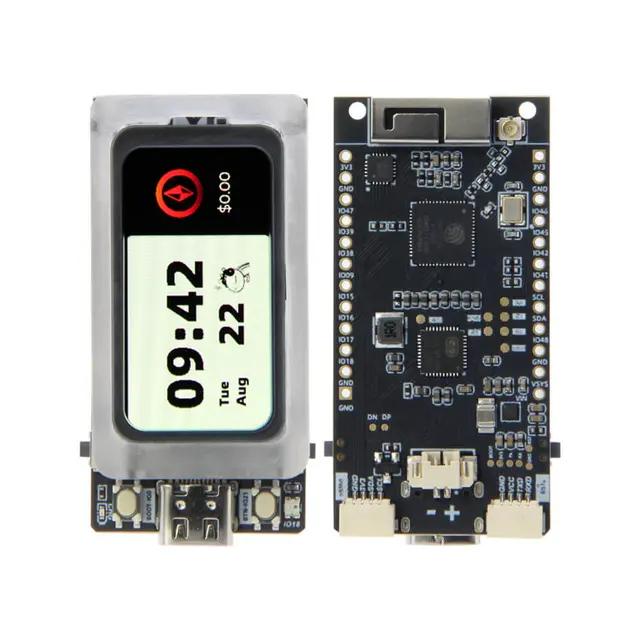
- Any ESP32 board with built-in BLE (most do)
- ESP32-CAM — repurpose as BLE gateway
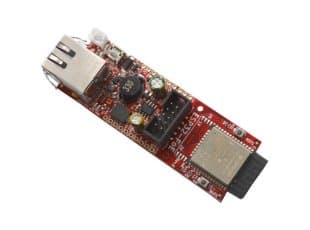
- Olimex ESP32-POE — wired Ethernet + BLE gateway (most reliable)
- M5Stack Atom Lite — tiny, plug it into USB anywhere
- ESP8266 + HM-10 module — alternative for non-ESP32 boards (limited)