Build a Meshtastic IoT Sensor Grid with ThinkNode M1 & M2
Step-by-step tutorial for building a decentralized IoT sensor network using ThinkNode M1 and M2 LoRa transceivers. Reads temperature, humidity, and pressure from a BME680 sensor and transmits data wirelessly via Meshtastic mesh protocol.
Build a Meshtastic IoT Sensor Grid with ThinkNode M1 & M2
This intermediate-level tutorial by Stefan Maetschke demonstrates how to construct a decentralized IoT sensor network using LoRa mesh technology. The project combines environmental sensing with wireless mesh communication to transmit data across locations without requiring traditional Wi-Fi or cellular infrastructure.
How It Works
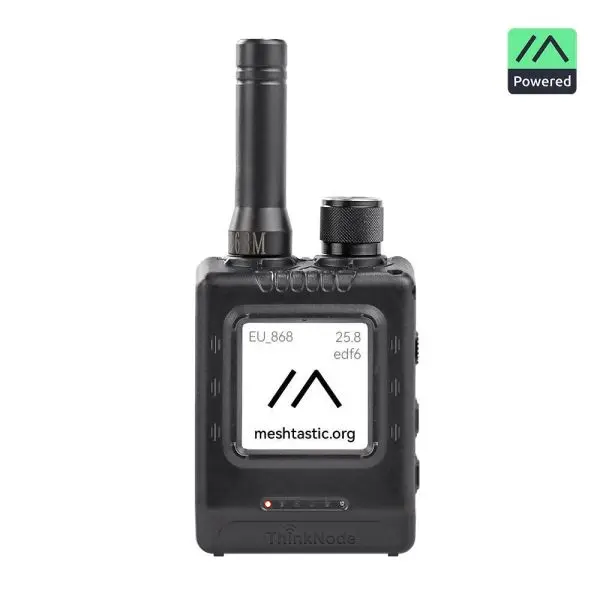
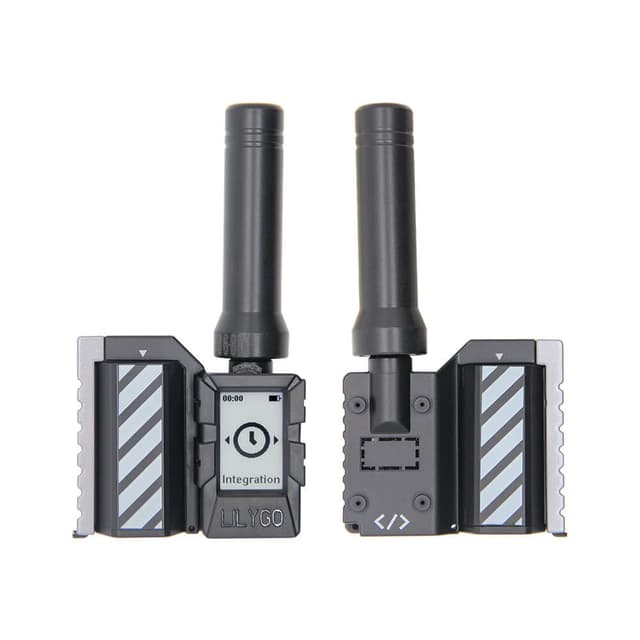
The system reads temperature, humidity, and pressure from a BME680 environmental sensor connected to an ESP32-lite microcontroller. This data is transmitted via serial connection to a ThinkNode M2 LoRa transceiver, which broadcasts it wirelessly using the Meshtastic protocol to a ThinkNode M1 receiver device for display on its e-paper screen.
Components
- ThinkNode M1 — nRF52840-based receiver with 1.54" E-Ink display
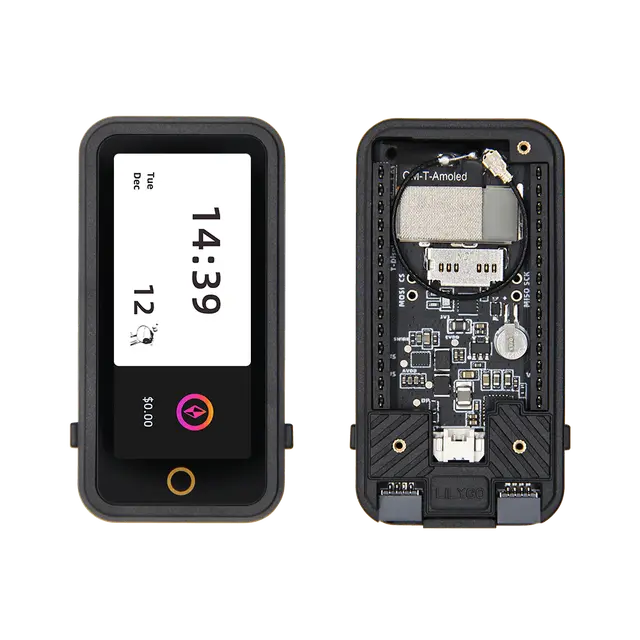
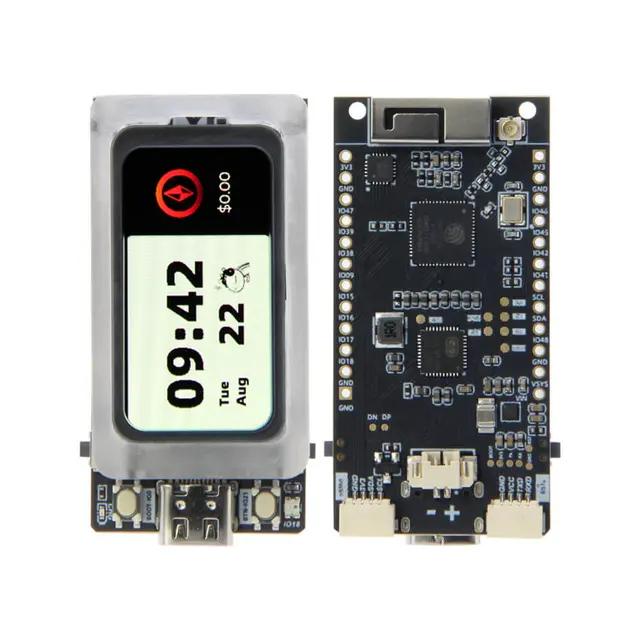
- ThinkNode M2 — ESP32-S3-based transmitter with 1.3" OLED display
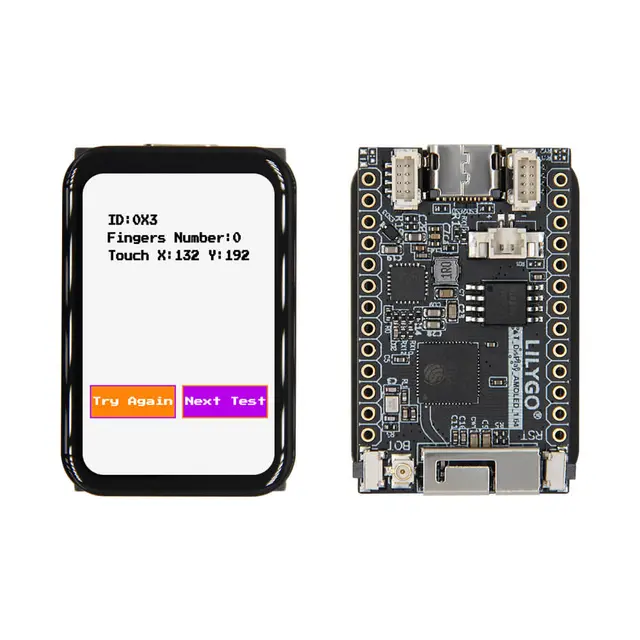
- ESP32-lite microcontroller
- BME680 environmental sensor (temperature, humidity, pressure)
- Arduino IDE for programming
Steps Overview
- Configure LoRa frequency settings on both ThinkNodes using the Meshtastic mobile app
- Enable and configure the serial interface on ThinkNode M2
- Wire ESP32-lite to BME680 sensor via I2C pins
- Connect ESP32-lite to ThinkNode M2 via UART (GPIO pins 16/17 to 18/19)
- Upload Arduino code to read sensor data and transmit via serial
- Verify message reception on ThinkNode M1 display