Tutorialbeginner
Getting Started with Meshtastic: ThinkNode M1/M2 Setup Guide
Comprehensive getting-started guide for Meshtastic mesh networking using the ThinkNode M1 and M2. Covers unboxing, hardware teardown, Bluetooth pairing, frequency configuration, firmware updates, GPS setup, and real-world range testing.
Boards:nRF52840ESP32-S3
Firmware:Meshtastic
Use Cases:Mesh NetworkingGPS TrackingLoRa & WANPortable Device
Getting Started with Meshtastic: ThinkNode M1/M2 Setup Guide
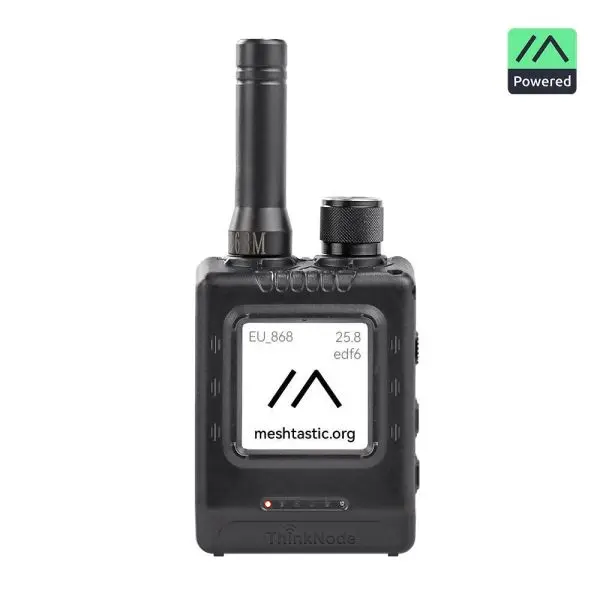
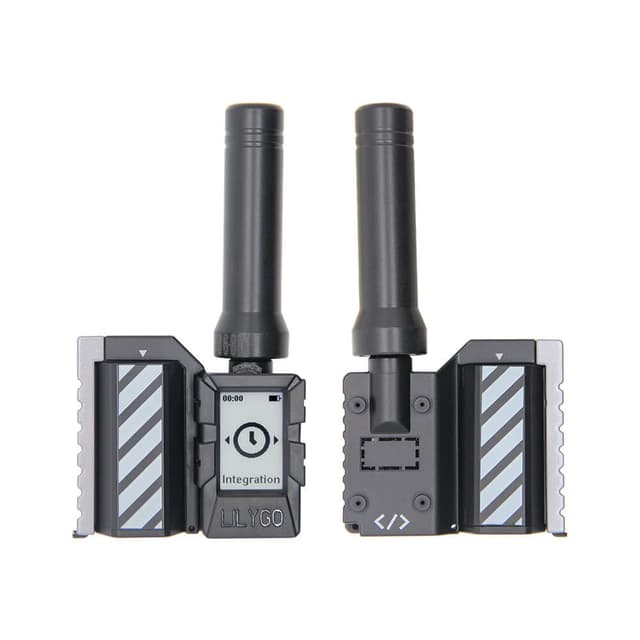
A comprehensive beginner-friendly guide by Jean-Luc Aufranc (CNX Software) walking through the complete setup process for Meshtastic off-grid mesh networking using Elecrow's ThinkNode M1 and M2 devices.
What This Guide Covers
- Hardware unboxing and internal teardown analysis
- Meshtastic app installation and Bluetooth pairing
- Regional frequency configuration (with examples for Thailand's 920-925 MHz)
- Firmware update process via flasher.meshtastic.org
- GPS accuracy improvements and precise location settings
- Practical range testing in suburban environments
- Battery life comparison across both models
Getting Started Steps
- Install Meshtastic app from Google Play Store or App Store
- Enable Bluetooth and pair devices to your phone
- Configure regional frequency settings via Radio configuration
- Set user names through the User menu
- Establish shared configuration by scanning QR codes between devices
- Create custom channels with precise location enabled for privacy
- Enable "Provide phone location to mesh" for devices without GPS
- Update firmware via the browser-based flasher tool if needed
Key Findings
- Battery life: ThinkNode M1 sustained over 24 hours of operation; M2 managed 7-8 hours in LONG_FAST mode
- Range: Communication distance approximately doubled when switching from LONG_FAST to LONG_SLOW preset (286m to 550m in suburban testing)
- GPS: Multi-constellation support provides accurate positioning outdoors