Integrationintermediate
ESPHome eInk Weather & Tasks Boards for Home Assistant
Weather and task list boards for 7.5\" tricolor e-paper displays using ESPHome and Home Assistant. Features deep sleep with HA-controlled wake schedules, battery monitoring, and separate YAML configs for weather and tasks displays.
Boards:ESP32
Firmware:ESPHomeHome Assistant
Use Cases:E-Paper & SignageDisplay & DashboardHome Automation
ESPHome eInk Weather & Tasks Boards for Home Assistant
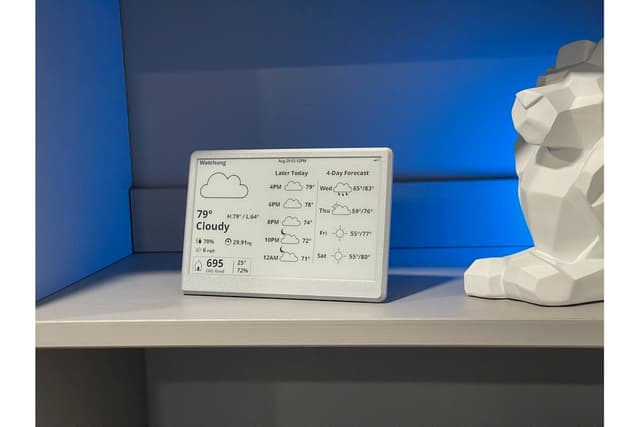
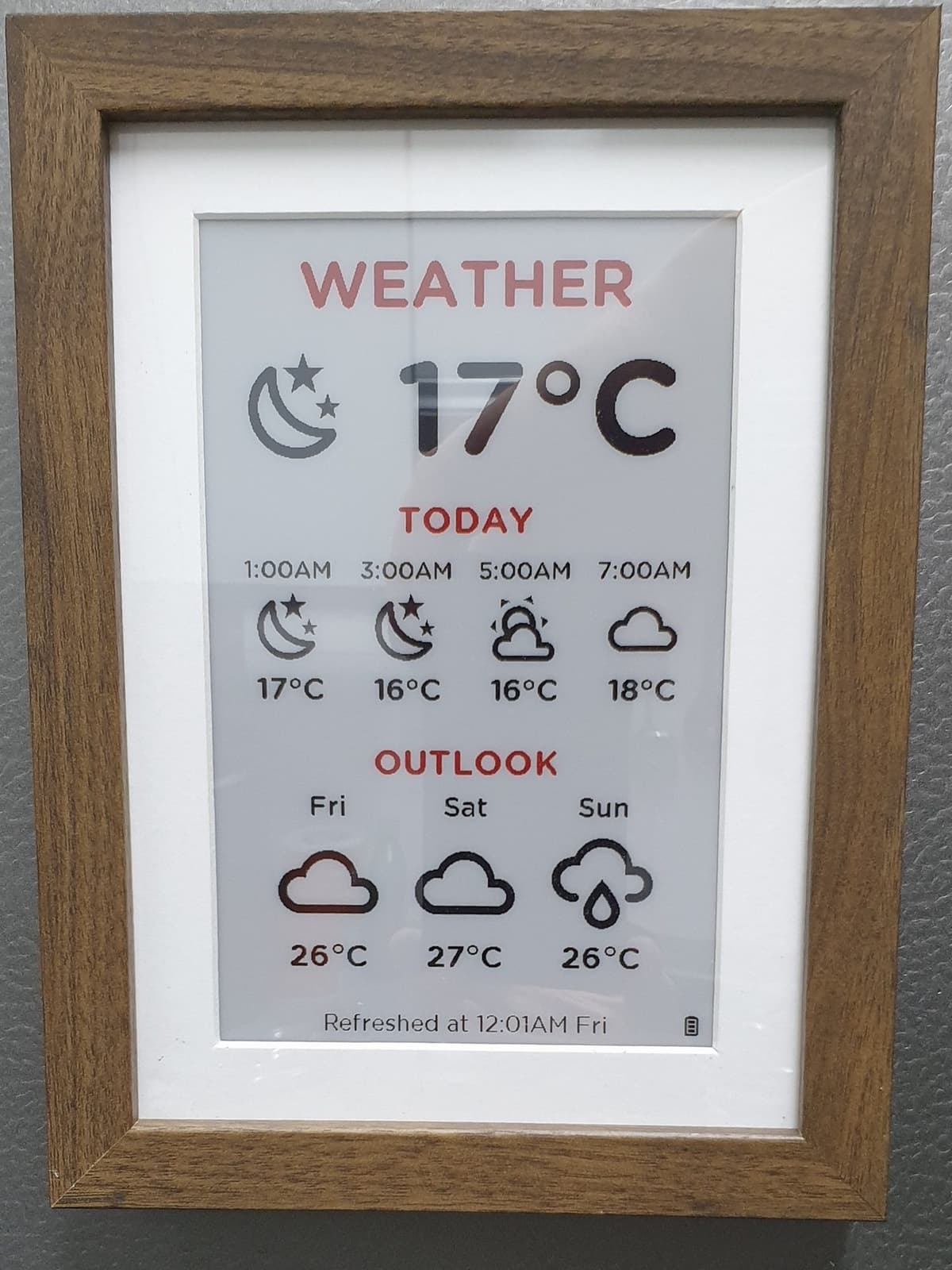
Created by trip5, this project provides ready-to-use ESPHome YAML configurations for building weather and task list displays on 7.5" tricolor e-paper screens with Home Assistant integration.
Key Features
- Two board types: Weather board showing forecasts and conditions, and a Tasks board showing to-do lists from Home Assistant
- Deep sleep support: HA-controlled wake schedule — the device updates, refreshes the display, and goes back to sleep until the next scheduled wakeup
- Battery monitoring: Uses a voltage divider (100K resistors) between 5V input and GPIO34 for ADC battery level readings
- Physical deep sleep override: Optional switch between ground and GPIO21 to disable deep sleep for development
- Tricolor display support: Designed for 7.5" tricolor (red/black/white) e-paper displays, now natively supported by ESPHome
Hardware
| Component | Notes |
|---|---|
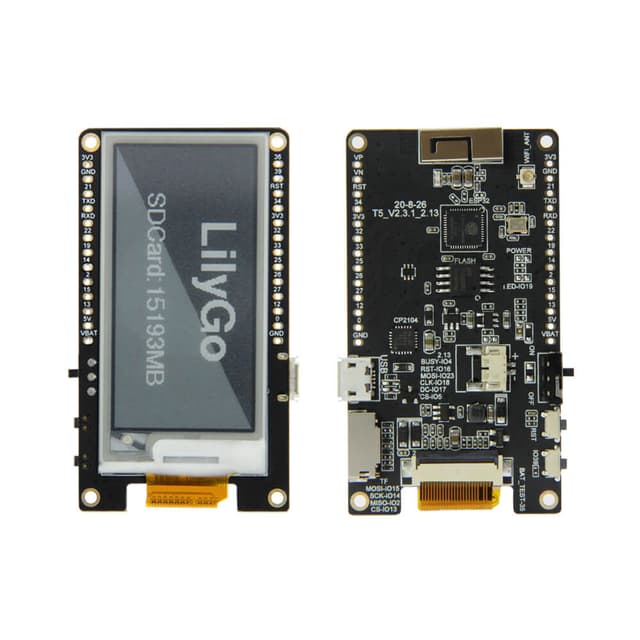
| ESP32 board | With Waveshare e-paper driver |
| 7.5" tricolor e-paper | Red/black/white, 800x480 |
| 100K resistors (x2) | For battery voltage divider |
| Optional switch | GPIO21 deep sleep disable |
Home Assistant Setup
- Create helpers in HA for each device (disable deep sleep toggle, etc.)
- Place YAML files in ESPHome config folder
- Place HA template sensors in packages folder
- Edit entity IDs to match your HA configuration
- Flash via ESPHome