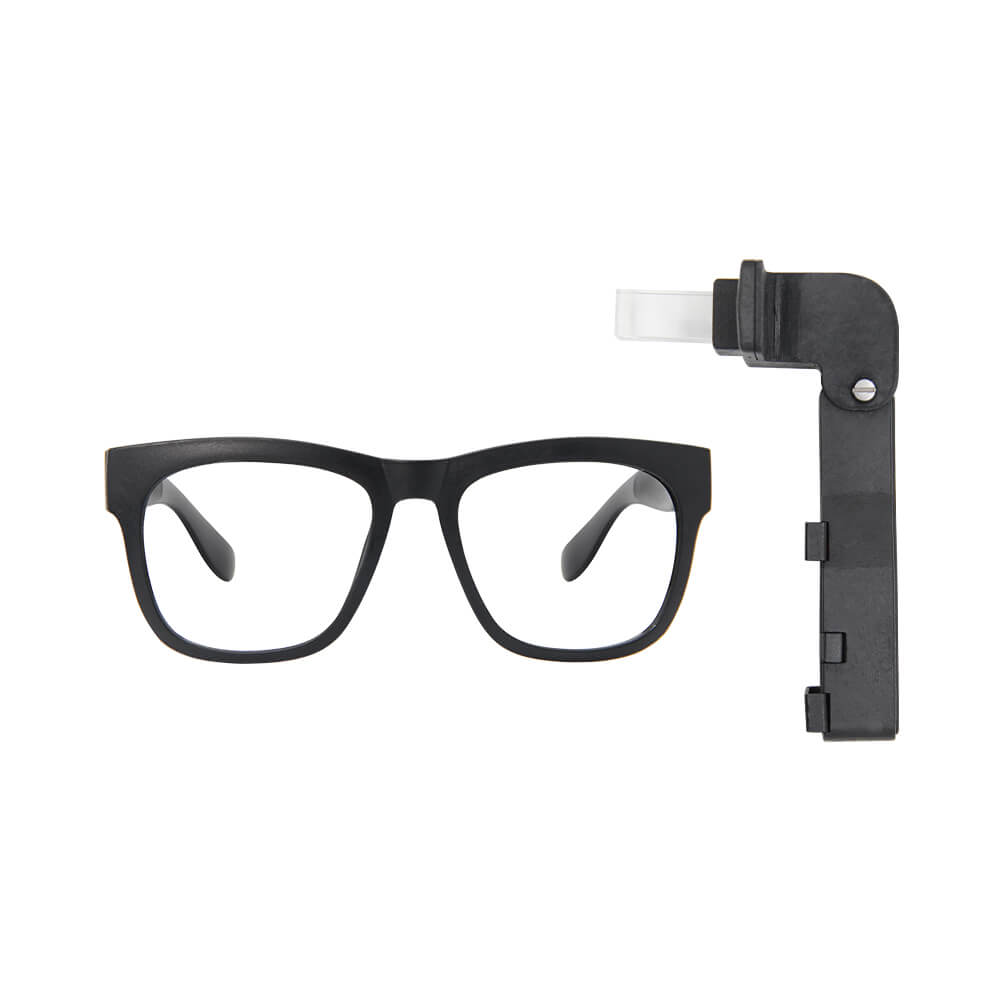
LILYGO T-Glass
A DIY augmented reality prism display glasses device based on ESP32-S3, featuring a 1.1-inch AMOLED display (294x126), IMU, microphone, RTC, touch button, and a prism optical system for head-up display applications.
$54.63
Hardware Specifications
Connectivity
Components
Dual-core Xtensa LX7 at up to 240MHz with WiFi and Bluetooth 5 LE, 4MB flash, 2MB PSRAM
1.1-inch Full Color LTPS AMOLED display driver, 294x126 pixels
Inertial measurement unit for head movement tracking
Resources


Where to Buy
Overview
The T-Glass is one of LILYGO's most innovative products — a wearable DIY augmented reality device that uses a prism optical system to project display content as a head-up display. The 1.1-inch Full Color LTPS AMOLED (JD9613 driver) at 294x126 pixels (126x126 in alternate orientation) is reflected through the prism, creating a transparent overlay visible to the wearer.
The device is built on the ESP32-S3 FN4R2 module with 4MB flash and 2MB PSRAM, providing WiFi and Bluetooth 5 LE connectivity for wireless communication and data retrieval. Onboard sensors include an IMU for head orientation tracking, a microphone for audio input, and an RTC for timekeeping. A touch button provides basic input without requiring external controls.
Two purchasing options are available: the complete T-Glass kit (H715, $54.63) and a standalone prism component (N276, $20.98 — currently out of stock). The T-Glass GitHub repository provides example firmware for displaying time, notifications, and sensor data in the heads-up display format.
Firmware Compatibility
The T-Glass uses the Arduino IDE or ESP-IDF framework targeting the ESP32-S3. Display rendering is handled via the JD9613 driver. Example projects are available in the Xinyuan-LilyGO GitHub organization under the T-Glass repository.
Flashing Guide
- Install Arduino IDE with ESP32-S3 board support
- Clone the T-Glass GitHub repository for display drivers and examples
- Connect via USB Type-C
- Select "ESP32S3 Dev Module" with 4MB flash and appropriate PSRAM settings
- Upload the example firmware to display content through the prism optics
Related Products
ESP32-S3This product page may contain errors. If you find any, please report them.