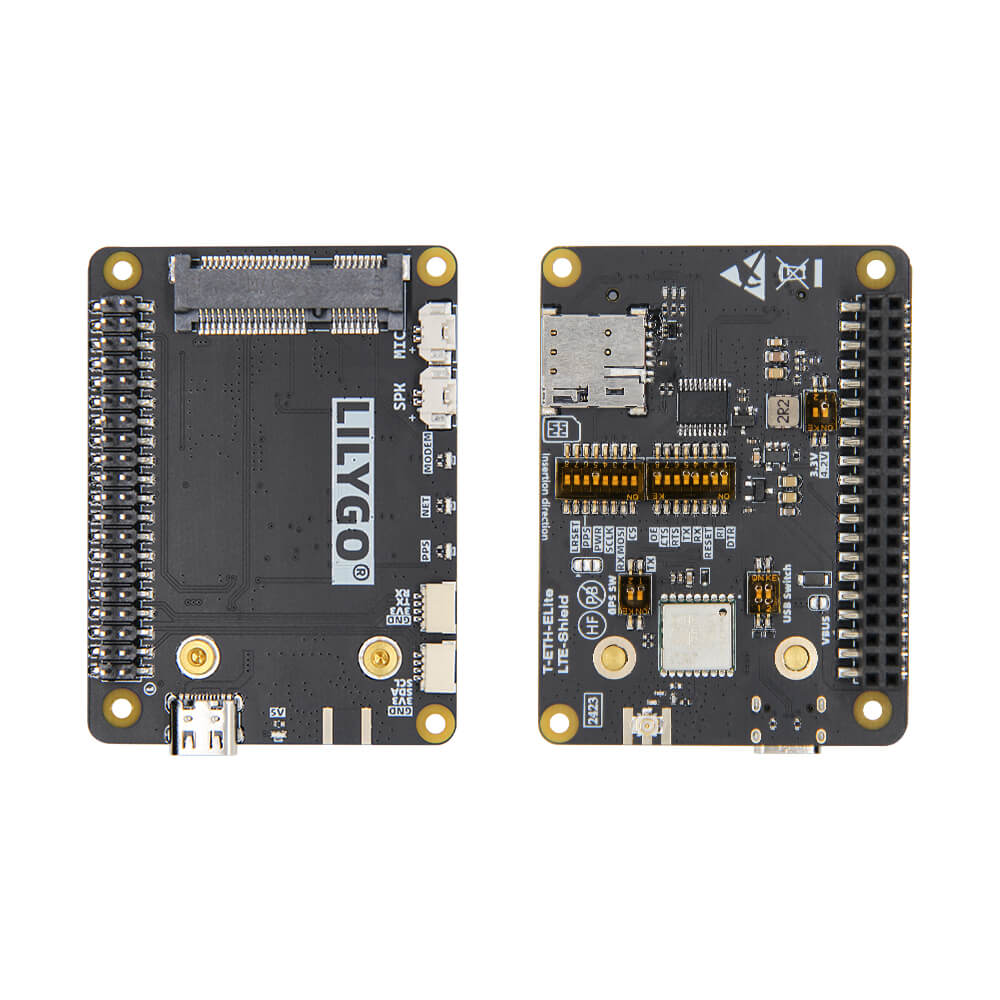
LILYGO T-ETH Elite
ESP32-S3 IoT gateway board with W5500 Ethernet, Power over Ethernet (PoE), WiFi, and Bluetooth 5 LE, plus modular shield support for LoRa and LTE expansion.
$23.04
Hardware Specifications
Connectivity
Components
Dual-core Xtensa LX7 up to 240MHz with 16MB flash and 8MB PSRAM
Hardwired TCP/IP Ethernet controller supporting TCP, UDP, ICMP, IPv4, ARP, PPPoE
Resources


Where to Buy
Overview
The LILYGO T-ETH Elite is a capable IoT gateway development board built around the ESP32-S3R8 with 16MB flash and 8MB PSRAM. Its defining feature is the W5500 hardwired Ethernet controller, which supports TCP, UDP, ICMP, IPv4, ARP, and PPPoE protocols for reliable wired network connectivity. Power over Ethernet (PoE) support means the board can receive both power and data over a single Ethernet cable, simplifying installation in network equipment cabinets or industrial settings.
In addition to Ethernet and PoE, the board provides standard 2.4GHz WiFi and Bluetooth 5 LE through the ESP32-S3, enabling hybrid wired/wireless gateway designs. Multiple expansion shields are available separately, including a LoRaWAN Gateway Shield (SX1302), LTE Shield, and LoRa shields in 433, 868, and 915MHz variants, turning the T-ETH Elite into a comprehensive multi-protocol gateway.
The compact 50×67mm form factor and USB-C port make it easy to integrate into custom enclosures. It is compatible with Arduino IDE, PlatformIO, and ESP-IDF.
Firmware Compatibility
The T-ETH Elite is compatible with Arduino IDE (using the Ethernet library and esp32 board package), PlatformIO, and ESP-IDF. The W5500 is well-supported by the standard Arduino Ethernet library. Shield-specific libraries and examples are available on the LILYGO GitHub organization.
Flashing Guide
- Install the ESP32 board package in Arduino IDE or configure ESP-IDF.
- Connect via USB-C cable.
- Hold BOOT and press RESET to enter download mode if needed.
- Select ESP32-S3 Dev Module with 16MB flash and 8MB OPI PSRAM.
- Use the W5500 Ethernet library examples as a starting point for network connectivity.
Related Products
ESP32-S3This product page may contain errors. If you find any, please report them.