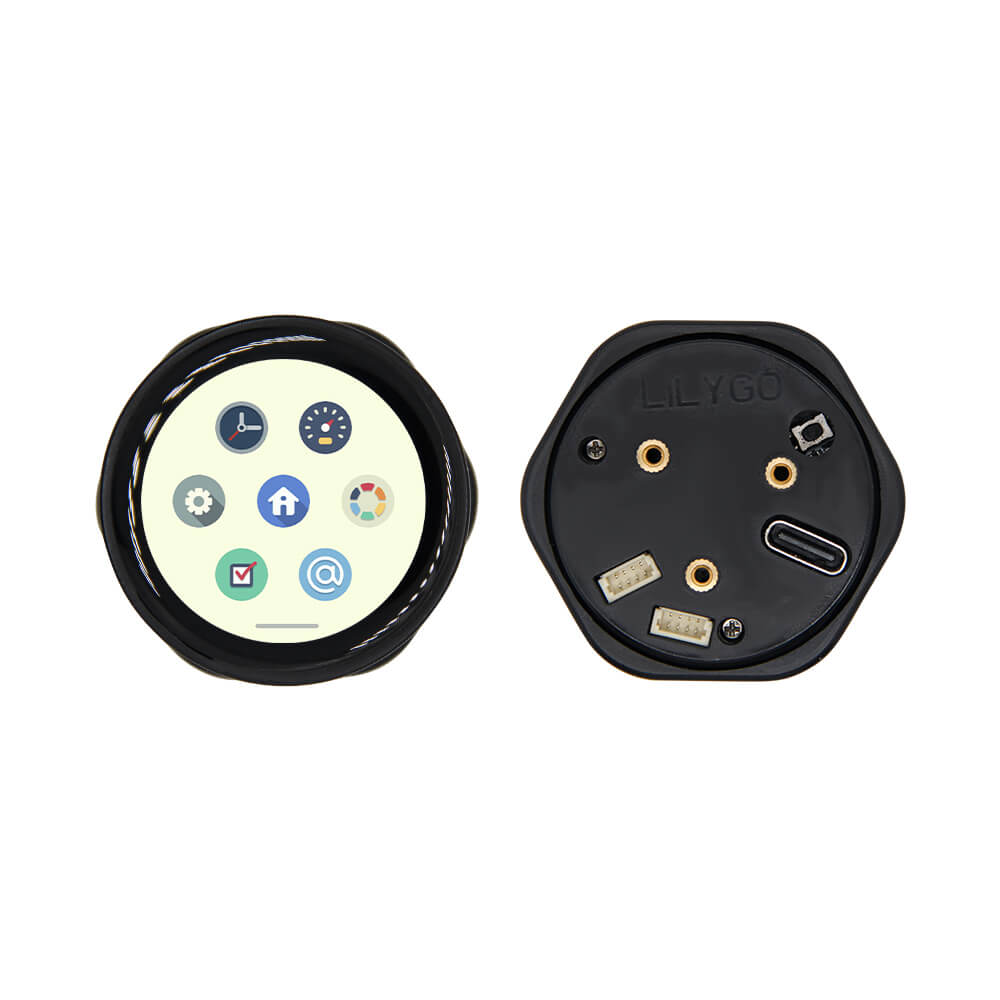
LILYGO T-Encoder Pro
An ESP32-S3 development board with a rotary encoder, 1.2-inch AMOLED display (390x390) driven by SH8601A via QSPI, 16MB flash, 8MB PSRAM, onboard buzzer, and dual Qwiic connectors.
$31.05
Hardware Specifications
Connectivity
Components
Dual-core Xtensa LX7 at up to 240MHz with 2.4GHz WiFi and Bluetooth 5 LE
1.2-inch AMOLED display driver, 390x390 resolution, QSPI interface
Physical rotary encoder for user input control
Onboard piezo buzzer on PIN IO17
Resources


Where to Buy
Overview
The T-Encoder Pro is a compact and capable ESP32-S3 development board combining a physical rotary encoder input with a bright 1.2-inch AMOLED display. The display uses the SH8601A-W14-T06 driver via QSPI bus at 390x390 pixel resolution, delivering sharp and vibrant visuals for menus, instrument panels, and interactive UIs.
Powered by the ESP32-S3 R8 with 16MB flash and 8MB PSRAM, the board has ample resources for complex UI logic and wireless communication. The onboard buzzer on PIN IO17 enables audio feedback, while dual Qwiic 4-pin connectors simplify integration with sensors and peripherals using the I2C-based Qwiic/STEMMA QT ecosystem.
Three color variants are available: Orange (K249-02, $31.74), Black (K249, $31.05), and Yellow (K249-01, $31.05). Silicone cases are also sold separately for $1.30. The T-Encoder Pro is ideal for building smart home control panels, audio equipment controllers, or any application requiring a premium rotary input with visual feedback.
Firmware Compatibility
The T-Encoder Pro supports Arduino IDE and ESP-IDF. The LILYGO AMOLED display driver library handles the SH8601A display. Example firmware is available in the Xinyuan-LilyGO GitHub organization under the T-Encoder-Pro repository.
Flashing Guide
- Install Arduino IDE with ESP32-S3 board support
- Clone the T-Encoder-Pro repository from the LILYGO GitHub organization
- Install the required display and encoder libraries
- Connect via USB Type-C
- Select "ESP32S3 Dev Module" with 16MB flash and 8MB PSRAM OPI settings
- Upload firmware — use Boot/Reset buttons if download mode is needed
Related Products
ESP32-S3This product page may contain errors. If you find any, please report them.