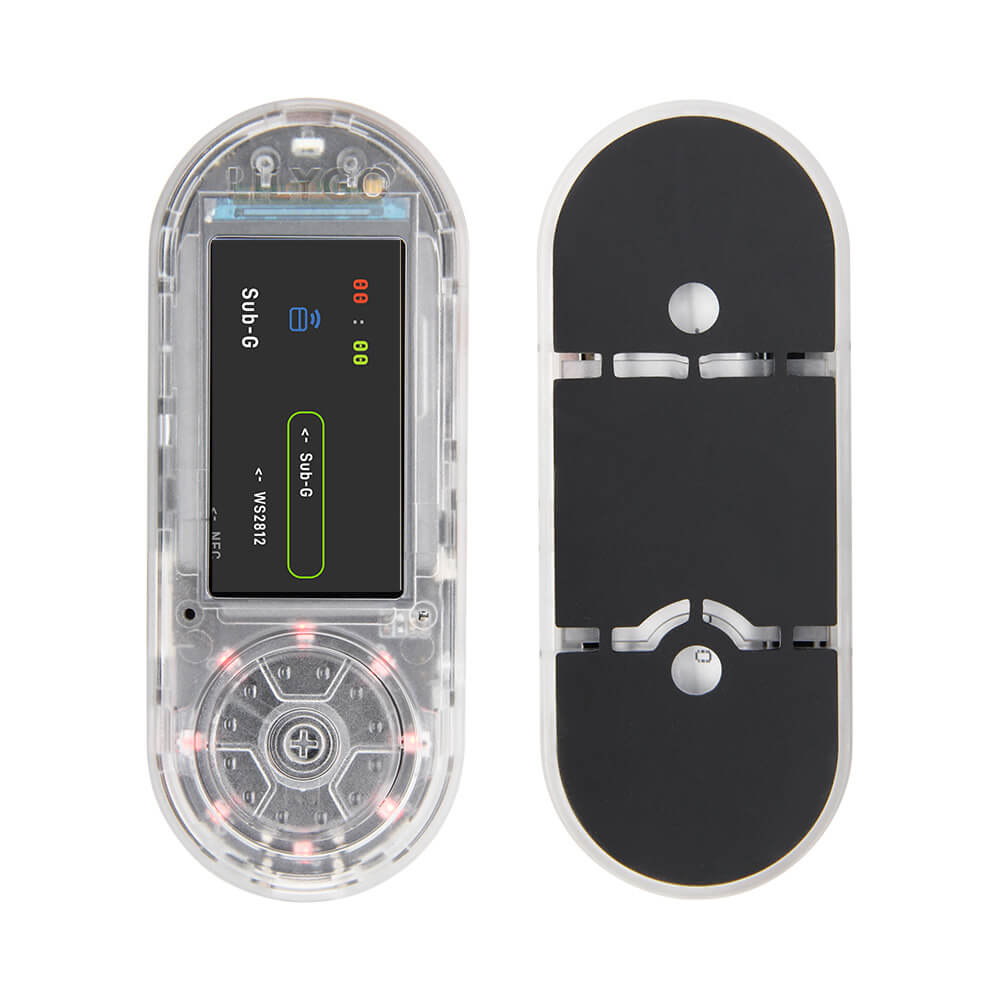
LILYGO T-Embed CC1101 Plus
An enhanced version of the T-Embed CC1101 featuring an ESP32-S3 with a 1.9-inch IPS LCD, CC1101 sub-GHz radio, and an additional nRF24L01 2.4GHz transceiver for multi-band RF applications.
$58.66
Hardware Specifications
Connectivity
Components
Dual-core LX7 microprocessor with 16MB Flash and 8MB SRAM
Sub-1GHz RF transceiver for various ISM band frequencies
2.4GHz ISM band wireless transceiver
1.9-inch IPS TFT LCD, 170x320 pixels, SPI interface

Where to Buy
Overview
The LILYGO T-Embed CC1101 Plus is an upgraded version of the original T-Embed CC1101, adding an nRF24L01 2.4GHz transceiver alongside the existing CC1101 sub-GHz radio. This dual-radio configuration makes it particularly versatile for RF research, penetration testing, and multi-band communication projects.
The board is powered by the ESP32-S3 with 16MB Flash and 8MB SRAM, providing plenty of resources for complex RF signal processing tasks. A 1.9-inch ST7789 IPS color TFT LCD display (170x320 resolution) is built in for real-time data visualization. IR transmit and receive capability adds further versatility for infrared remote control applications. Battery voltage monitoring is available on IO04.
The combination of CC1101 (sub-GHz) and nRF24L01 (2.4GHz) radios, along with the ESP32-S3's built-in WiFi and BLE, makes this board capable of operating across multiple radio bands simultaneously, ideal for signal analysis and custom RF protocol development.
Firmware Compatibility
- Arduino IDE — Use the ESP32 Arduino core with SmartRC-CC1101-Driver-Lib and RF24 libraries.
- ESP-IDF — Full Espressif SDK for advanced firmware development.
- Flipper Zero-inspired projects — The CC1101 + nRF24 combination mirrors popular RF hacking tool configurations.
Flashing Guide
- Install the ESP32 Arduino core in Arduino IDE.
- Connect the T-Embed CC1101 Plus via USB-C.
- Select ESP32S3 Dev Module as the board target.
- Set Flash to 16MB and configure PSRAM settings.
- Install required libraries:
SmartRC-CC1101-Driver-Lib,RF24, and display libraries for ST7789. - Upload your sketch. Hold BOOT button if the device doesn't enter download mode automatically.
Related Products
ESP32-S3This product page may contain errors. If you find any, please report them.