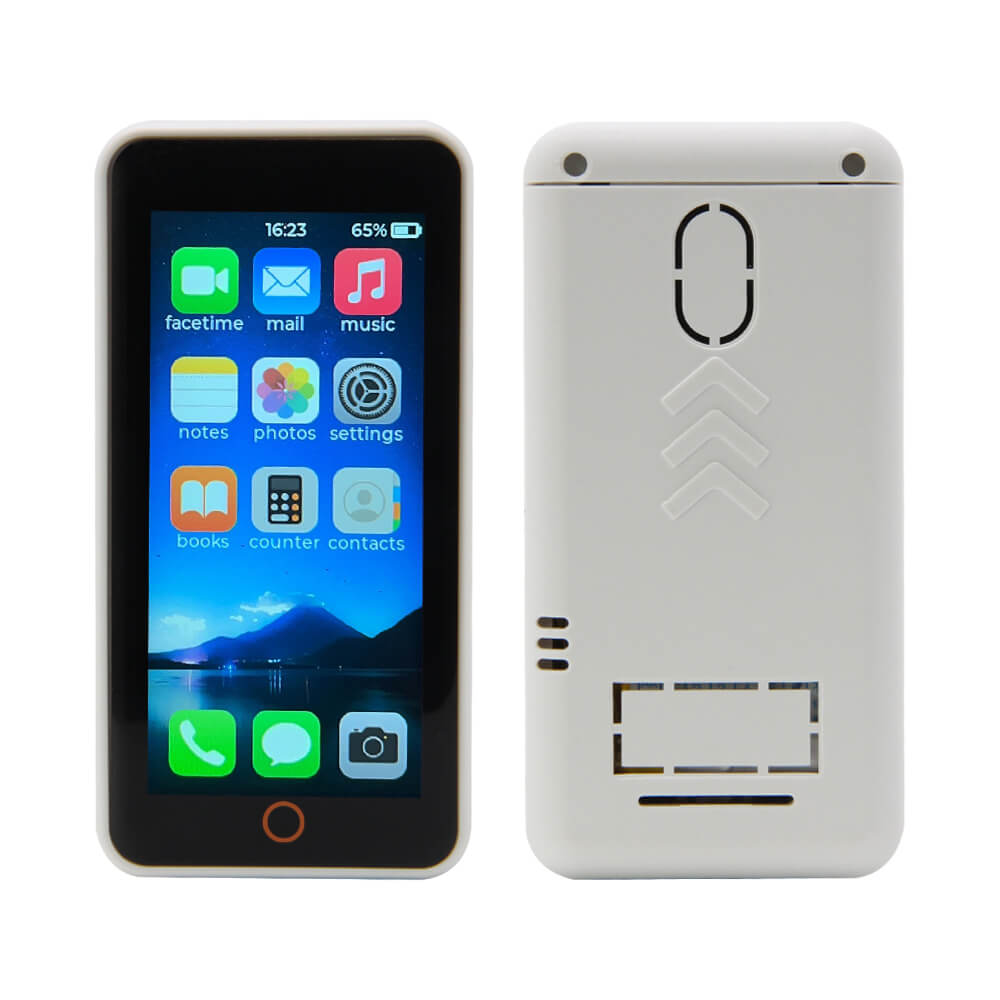
LILYGO T-Display S3 Pro
The T-Display S3 Pro is an ESP32-S3R8-based development board with a 2.22-inch 222x480 high-resolution color display, capacitive touch, optional camera module, and a SY6970 power path switching chip.
$37.99
Hardware Specifications
Connectivity
Components
Dual-core Xtensa LX7 MCU with 16MB Flash, 8MB OPI PSRAM, WiFi and Bluetooth 5
Ambient light and proximity sensor
Power path switching chip for stable power supply when battery is not connected
Optional camera module: GC0308 (basic) or OV5640 (5MP) for image capture
Resources


Where to Buy
Overview
The LILYGO T-Display S3 Pro is an upgraded and enhanced version of the T-Display S3, featuring a 2.22-inch high-resolution display with a 222x480 pixel resolution and more configurable GPIO ports. The display supports capacitive touch, and the board provides improved connectivity compared to its predecessor.
The ESP32-S3R8 processor delivers dual-core Xtensa LX7 performance at 240 MHz with 16MB flash and 8MB OPI PSRAM. An LTR553ALS ambient light and proximity sensor is integrated onboard. The SY6970 power path switching chip ensures stable operation when running from USB without a battery connected — when no battery is present, charging must be disabled in firmware.
Optional camera modules (GC0308 basic or OV5640 5MP) can be attached for image capture. A companion MVSRBoard backplane (available separately at $10.20) adds external speakers, microphone, RTC clock, and vibration functions. An optional MVSRLora expansion adds LoRa capability. V1.1 of the board uses constant-current backlight driving (improved from V1.0's PWM method).
Firmware Compatibility
- Arduino IDE: Use Espressif Arduino core v2.0.14 (versions above 2.0.14 have known issues with TFT_eSPI).
- PlatformIO: Recommended — streamlined builds with CI/CD support.
- ESP-IDF: Native support. The USB-C port is both the JTAG upload interface and serial port.
Repository: T-Display-S3-Pro. Additional backplane firmware: T-Display-S3-Pro-MVSRBoard.
Flashing Guide
- Connect via USB-C. Enable CDC_ON_BOOT if using USB for serial output.
- If the port is not found, enter bootloader: hold BOOT, press RST, release RST, then release BOOT.
- In Arduino IDE, select ESP32S3 Dev Module with 16MB flash and OPI PSRAM.
- For backlight control on V1.1, use the constant-current driver method from the AdjustBacklight example.
- For camera-equipped variants, use the CameraShield example as a starting point.
- If running without a battery, call the charging disable function to prevent SY6970 instability.
Related Products
ESP32-S3This product page may contain errors. If you find any, please report them.