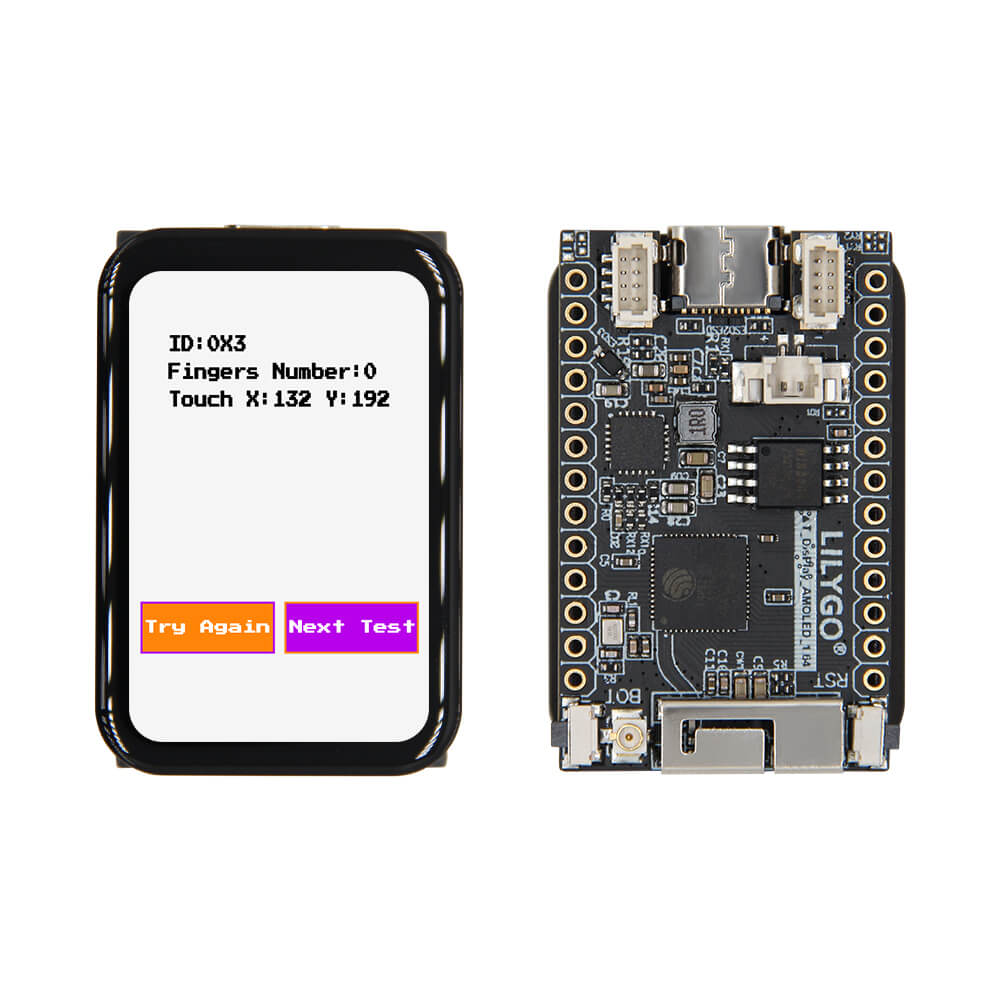
LILYGO T-Display S3 AMOLED 1.64
ESP32-S3 development board featuring a 1.64-inch 280×456 AMOLED display with QSPI interface and capacitive touch, offering vibrant color output in a compact form factor.
$30.25
Hardware Specifications
Connectivity
Components
Dual-core Xtensa LX7 up to 240MHz with 16MB flash and 8MB Octal SPI PSRAM
1.64-inch AMOLED display driver, 280×456 resolution, QSPI interface
Capacitive touch controller via I2C
Battery charging and power management IC via I2C
Resources


Where to Buy
Overview
The LILYGO T-Display S3 AMOLED 1.64 is a development board centered on the ESP32-S3R8 microcontroller paired with a stunning 1.64-inch AMOLED display. The ICNA3311 (CO5300) display driver delivers a 280×456 pixel resolution over a QSPI bus, offering deep blacks and vibrant colors characteristic of AMOLED panels — ideal for wearable UIs, dashboards, and interactive prototypes.
Capacitive touch is handled by the FT3168 controller over I2C, enabling touch-based navigation and gesture recognition. The SY6970 power management IC provides battery charging capability, supporting portable operation from a LiPo battery. The board enters a very low deep sleep current of approximately 254.5µA, making it suitable for battery-sensitive applications.
With 16MB of flash and 8MB of Octal SPI PSRAM, the T-Display S3 AMOLED 1.64 has generous resources for sophisticated graphics applications, web servers, and complex firmware. USB CDC on boot enables easy firmware updates without a separate programmer.
Firmware Compatibility
The board is compatible with Arduino IDE, PlatformIO, and ESP-IDF. The GitHub repository at https://github.com/Xinyuan-LilyGO/T-Display-AMOLED-1.64 includes examples for display rendering using LVGL and other graphics libraries, touch handling, and battery management.
Flashing Guide
- Install the ESP32 board package in Arduino IDE 2.x or configure PlatformIO.
- Connect via USB-C; USB CDC on boot enables automatic detection.
- Select ESP32-S3 Dev Module with 16MB flash and 8MB OPI PSRAM settings.
- If not auto-detected, hold BOOT and press RESET to enter download mode.
- Upload your sketch or use
idf.py flashwith ESP-IDF.
Related Products
ESP32-S3This product page may contain errors. If you find any, please report them.