Tutorialintermediate
Tasmota Matter Smart Home Device
Turn an ESP32-C3/S2/S3 board into a Matter-compatible smart home device with Tasmota. Works natively with Apple Home, Amazon Alexa, Google Home, and Home Assistant without any cloud or bridge.
Boards:ESP32-C3ESP32-S2ESP32-S3
Firmware:Tasmota
Use Cases:Smart HomeMatter DeviceUniversal CompatibilityLocal ControlHome AutomationVoice Control
Tasmota Matter Smart Home Device
Turn any ESP32-C3, ESP32-S2, or ESP32-S3 board running Tasmota into a Matter-compatible smart home device. Matter is the universal smart home standard that works natively with Apple Home, Amazon Alexa, Google Home, and Home Assistant — no cloud or bridge required.
Why This Project
- Universal compatibility — one device works with ALL major platforms
- No cloud required — Matter operates entirely over local network
- No hub/bridge — direct communication with Apple/Google/Amazon hubs
- Future-proof — Matter is the industry standard backed by 300+ companies
- Built into Tasmota — no extra firmware, just enable Matter
Requirements
- ESP32-C3, ESP32-S2, or ESP32-S3 board (ESP8266/ESP32 don't have enough memory)
- Tasmota v13.0.0+ (Matter support built-in)
- IPv6 enabled on your network (required by Matter)
- A Matter controller: Apple HomePod/TV, Amazon Echo 4th gen+, Google Nest Hub, or Home Assistant
Supported Device Types
Tasmota Matter exposes devices as standard Matter endpoints:
| Tasmota Feature | Matter Device Type |
|---|---|
| Relay/Switch | On/Off Light / Plug |
| Dimmer | Dimmable Light |
| RGB/RGBCW Light | Color Temperature Light / Extended Color Light |
| Shutter/Cover | Window Covering |
| Temperature sensor | Temperature Sensor |
| Humidity sensor | Humidity Sensor |
| Pressure sensor | Pressure Sensor |
| Occupancy/PIR | Occupancy Sensor |
| Contact sensor | Contact Sensor |
Setup Steps
1. Flash Tasmota32
Flash the appropriate binary to your ESP32-C3/S2/S3:
tasmota32c3.binfor ESP32-C3tasmota32s2.binfor ESP32-S2tasmota32s3.binfor ESP32-S3
2. Enable Matter
# Matter is enabled by default since Tasmota v13.0.0
# Check status:
Matter

# If needed, enable:
SetOption151 1
3. Commission the Device
- Open the Tasmota web UI
- Go to Configuration → Configure Matter
- A QR code and manual pairing code are displayed
- In your Matter controller app:
- Apple Home: scan QR code
- Google Home: Add device → Matter
- Alexa: Devices → Add device → Matter
- Home Assistant: Settings → Devices → Add integration → Matter
4. Configure Endpoints
# Tasmota auto-creates endpoints for detected features
# View current endpoints:
MtrInfo

# Bridge mode — expose other Tasmota devices as Matter endpoints:
# The ESP32 acts as a Matter bridge for non-Matter Tasmota devices
Matter Bridge Mode
One ESP32-C3 can act as a Matter bridge for up to 9 remote Tasmota devices:
# Add a remote Tasmota device to the bridge:
# In the Matter web UI, add remote device by IP address
# The bridge exposes all remote device features as Matter endpoints
This means your existing ESP8266 Tasmota devices can become Matter-compatible through the bridge!
Network Requirements
- IPv6: Must be enabled on your router/network
- mDNS: Must not be blocked by firewall
- Same network: All devices must be on the same subnet or have proper routing
Compatible Boards
- ESP32-C3 SuperMini — cheapest option (~$2), tiny form factor
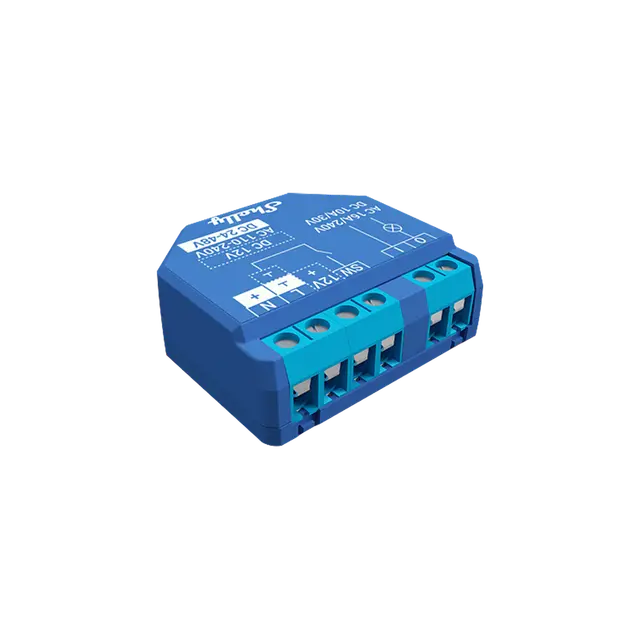
- Shelly Plus 1 (ESP32-C3) — Matter relay with physical switch input
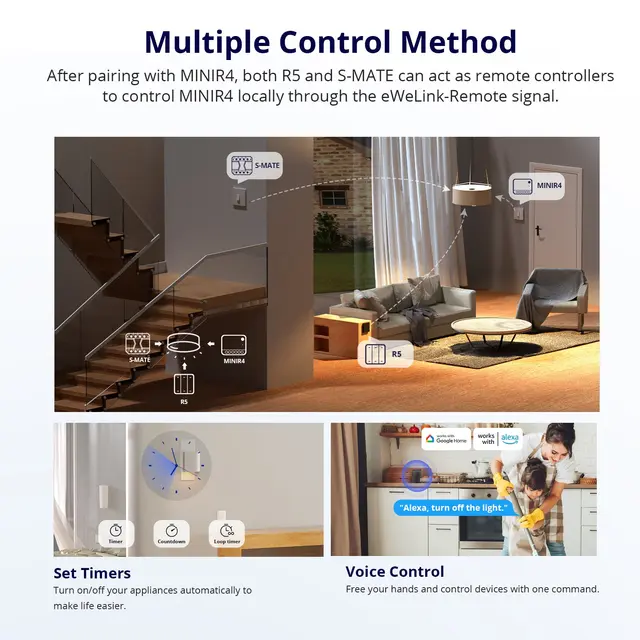
- Sonoff MINIR4 (ESP32-C3) — Matter smart switch in wall box
- Seeed XIAO ESP32C3 — compact dev board
- Any ESP32-S3 board — most capable, supports all Matter features