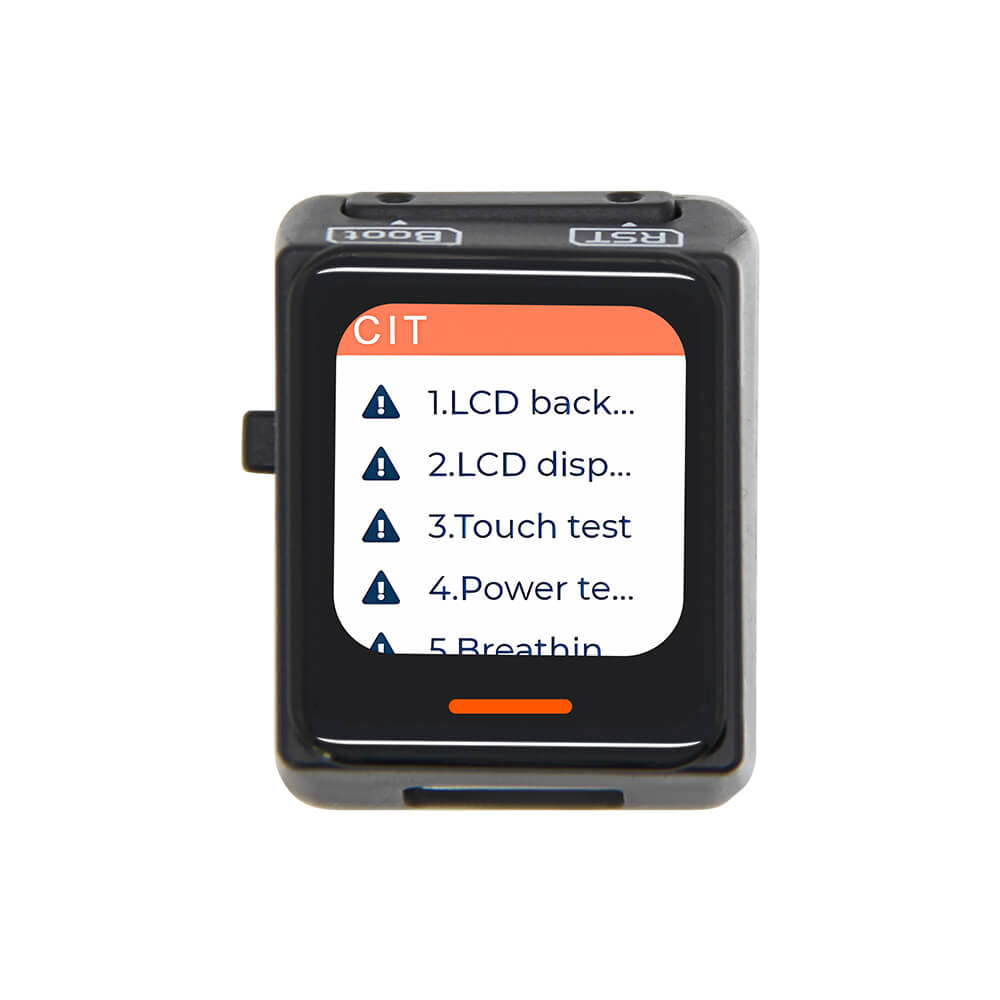
LILYGO T-QT C6
Ultra-compact ESP32-C6 development board with a 0.85-inch capacitive touch TFT LCD, WiFi 6, Bluetooth 5 LE, and 802.15.4 support in a thumb-sized form factor.
$13.25
Hardware Specifications
Connectivity
Components
Single-core RISC-V 160MHz with WiFi 6, BLE 5, and 802.15.4 (Zigbee/Thread)
TFT LCD display driver
Power management IC with I2C interface and battery path management
Resources


Where to Buy
Overview
The LILYGO T-QT C6 is an ultra-compact development board built around the ESP32-C6-MINI-1U microcontroller, offering next-generation wireless connectivity in a package small enough to fit on two thumbnails. Despite its tiny footprint, it packs a 0.85-inch 128×128 capacitive touch TFT LCD display, making it ideal for wearable projects, compact IoT sensors, and portable gadgets.
The board supports WiFi 6 (802.11ax), Bluetooth 5 LE, and the 802.15.4 protocol, which enables Zigbee and Thread mesh networking. An integrated ETA4662 power management chip handles battery charging, power path switching, and communicates over I2C, while a dedicated breathing light indicator provides status feedback. Independent battery support makes it suitable for untethered applications.
The T-QT C6 is available in two variants: standard and "With Ring," offering flexibility in mounting and enclosure options. It ships from warehouses in China, Germany, and North America.
Firmware Compatibility
The T-QT C6 is compatible with Arduino IDE using the esp32 board package, and with the official ESP-IDF framework. MicroPython is also supported through the standard ESP32-C6 firmware builds. The GitHub repository at https://github.com/Xinyuan-LilyGO/T-QT-C6 provides example sketches for the display, touch interface, and wireless features.
Flashing Guide
- Install the ESP32 board package in Arduino IDE (version 2.x recommended) or set up ESP-IDF.
- Connect the T-QT C6 via USB-C cable.
- Hold the BOOT button, press RESET, then release BOOT to enter download mode if needed.
- Select the correct COM port and board (ESP32C6 Dev Module).
- Upload your sketch or use
esptool.pyfor binary flashing.
Related Products
ESP32-C6This product page may contain errors. If you find any, please report them.