Tutorialbeginner
Recording EEG From Visual Cortex Using BioAmp EXG Pill
Step-by-step tutorial for recording brainwaves from the visual cortex (O1/O2 positions) using BioAmp EXG Pill, Brain BioAmp Band, and an Arduino-compatible board with Spike Recorder visualization.
Firmware:Arduino
Use Cases:Education
Overview
This beginner-friendly tutorial walks you through recording EEG (electroencephalography) signals from the visual cortex at the back of your head using the BioAmp EXG Pill analog front-end board.
Hardware Required
- BioAmp EXG Pill
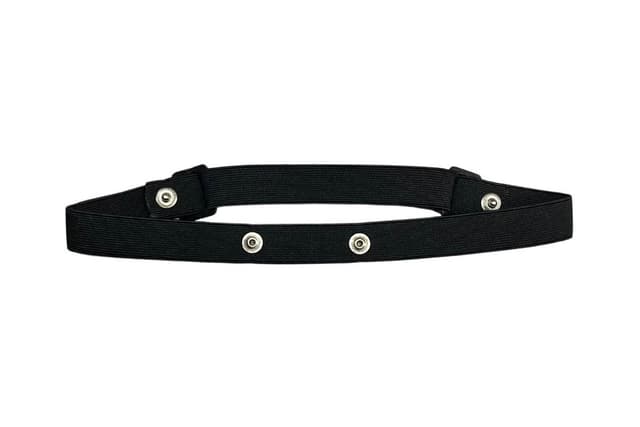
- Brain BioAmp Band (or gel electrodes)
- BioAmp Cable v3
- Arduino-compatible board (Maker Uno or Arduino Uno)
- Jumper cables
- Nuprep Skin Preparation Gel
How It Works
Electrodes are placed at the O1 and O2 positions (visual cortex) according to the International 10-20 EEG system. The BioAmp EXG Pill amplifies and filters the tiny brain signals, which are then digitized by the Arduino's ADC and visualized using Backyard Brains' Spike Recorder software.
Steps
- Assemble the BioAmp EXG Pill
- Prepare the skin at electrode sites
- Connect electrode cables
- Position electrodes at O1/O2 on the scalp
- Wire connections to the Arduino board
- Install Arduino IDE and upload the sketch
- Install Spike Recorder software
- Configure Spike Recorder for EEG
- Visualize and record your brain signals
What You'll Learn
- Basics of EEG signal acquisition
- Electrode placement using the 10-20 system
- Signal visualization and recording techniques
- Fundamentals of brain biopotential signals