Build Guideintermediate
Armachat Multi-Device CircuitPython Port
Community CircuitPython port of the Armachat firmware supporting Max, Compact, and Watch variants with improved configuration persistence and user-friendly confirmation prompts.
Boards:RP2040
Firmware:CircuitPython
Use Cases:Mesh NetworkingPortable Device
Overview
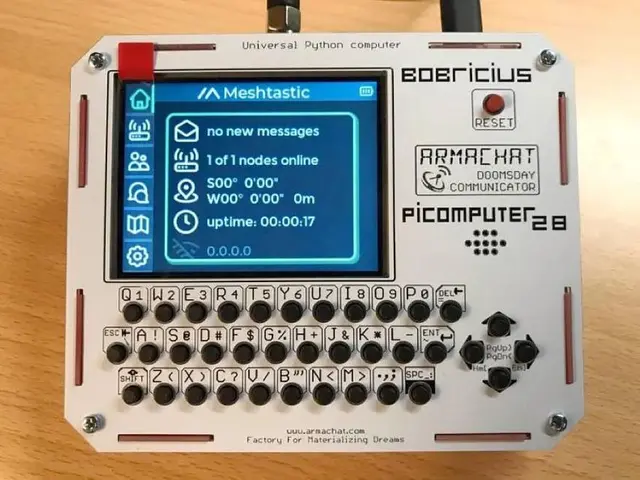
A community redesign of the Armachat firmware by richteel, porting Bobricius's original CircuitPython code to support multiple Armachat hardware variants (Max, Compact, and Watch) from a single codebase. The project focuses on usability improvements and hardware abstraction.
Key Features
- Multi-Hardware Compatibility: Single firmware supporting Max, Compact, and Watch form factors
- Configuration Persistence: Save device settings locally without requiring a PC connection
- User Confirmations: Clear feedback messages during device operations
- Full Feature Parity: Implements all or most functionality from the original Armachat CircuitPython project
Supported Hardware
- Armachat Max: Full-size desktop version with larger keyboard
- Armachat Compact: Pocket-sized version with 30-key QWERTY keyboard
- Armachat Watch: Wearable wrist-mounted variant
Getting Started
- Install CircuitPython on your Armachat's microcontroller
- Clone the repository and copy files to the CIRCUITPY drive
- Configure your device settings through the on-screen menu
- Begin sending LoRa messages to other Armachat devices
License
MIT License